Looking for a broader overview? Check out our comprehensive guide on AI Productivity & Workspace 2026: Everything You Need to Know.
| Feature | Google Gemini | Grammarly | Notion AI |
|---|---|---|---|
| Free Plan | ✓ | ✗ | ✗ |
| Pro Price | $19.99/mo | — | — |
| Elite Price | $30/mo | — | — |
| API Access | ✓ | ✗ | ✗ |
| Rating | 4.6/5 | 4.5/5 | 4.5/5 |
| Get Started | Visit Google Gemini | Visit Grammarly | Visit Notion AI |
Google Gemini vs. Grammarly vs. Notion AI: Which AI Assistant Reigns Supreme?
Forget the marketing hype. In the crowded arena of AI writing assistants and productivity tools, choosing the right one can feel like navigating a minefield. You’re likely looking for a tool that genuinely boosts your output, cleans up your prose, or helps you brainstorm, without adding more friction to your workflow. We’ve all been there: staring at a blank page, battling writer’s block, or sifting through poorly worded drafts. This isn’t about the future; it’s about practical, everyday utility.Executive Summary
If you’re short on time, here’s the distilled truth: * **Google Gemini** excels as a versatile conversational AI and idea generator. It’s fantastic for initial brainstorming, summarizing complex information, and crafting diverse content formats from scratch. Its strength lies in its broad knowledge base and ability to adapt to various prompts, making it a powerful starting point for many tasks. * **Grammarly** remains the undisputed champion for refining existing text. If your primary need is impeccable grammar, spelling, style, and tone, Grammarly is your go-to. It acts as a dedicated editor, ensuring your writing is clear, concise, and professional across almost any application. * **Notion AI** is tailor-made for users deeply embedded in the Notion ecosystem. It seamlessly integrates into your notes, documents, and databases, offering context-aware assistance for summarizing, translating, brainstorming, and even generating entire content blocks directly within your Notion workspace. Its power is amplified by its deep understanding of your existing content. Each tool addresses a distinct set of problems. The “best” one isn’t a universal truth; it depends entirely on your specific workflow and what you aim to achieve.Deep Dive: Google Gemini
4.6
out of 5
Pros
- Free 1M-token context window
- Integrated with Google Docs & Gmail
- Real-time Google Search grounding
- Strong coding with Jules
Cons
- Weaker creative writing vs GPT-4
- Less plugin ecosystem
- Requires Google account
Google Gemini, particularly its advanced models like Gemini Advanced (powered by Ultra 1.0), represents Google’s ambitious leap into the generative AI space. It’s designed to be a multimodal conversational AI, meaning it can process and generate various types of information, from text to code to images. My testing primarily focused on its text generation and summarization capabilities, as that’s where it directly competes with the other tools in this comparison.

UI and User Experience
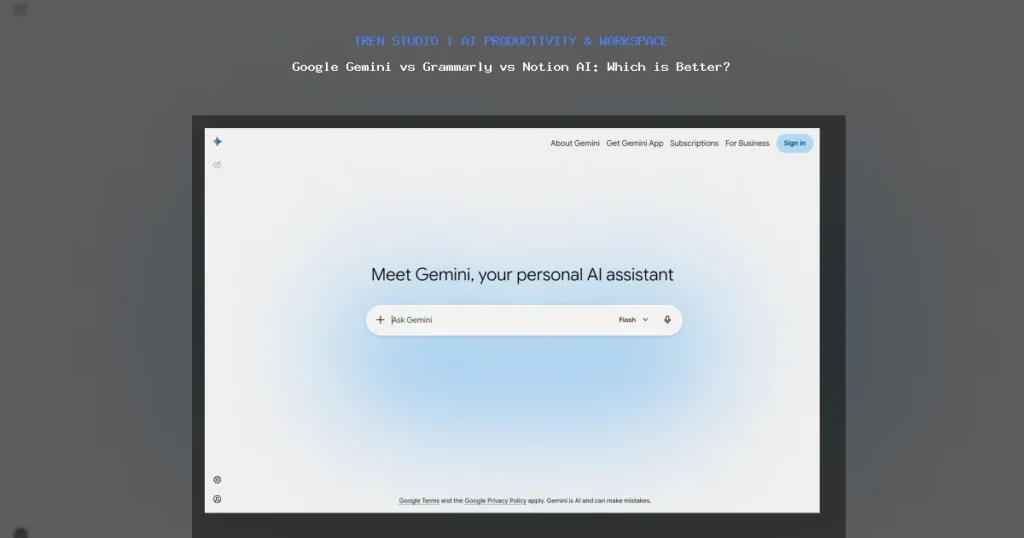
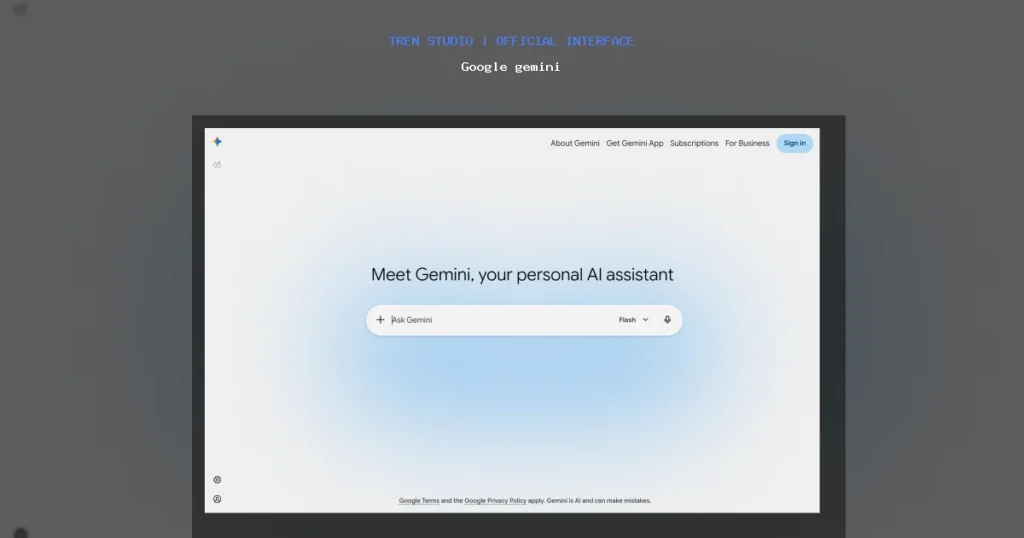
Gemini’s interface is clean and minimalist, reminiscent of other chat-based AI platforms. You’re presented with a simple chat window where you type your prompts. It’s intuitive, easy to navigate, and doesn’t suffer from unnecessary clutter. I appreciate the ability to edit previous prompts directly within the conversation, which is a significant time-saver when iterating on ideas. The “show drafts” feature, often presenting two or three alternative responses, is also quite useful for exploring different angles or tones. Integration-wise, Gemini benefits from being a Google product. If you’re logged into your Google account, it remembers your preferences and past conversations. While it doesn’t have the deep, context-aware integration of Notion AI, its omnipresence as a web application makes it broadly accessible.Speed
Gemini is generally fast. For most text-based prompts – generating outlines, drafting emails, summarizing articles – responses appear within seconds. Complex requests, like generating detailed code snippets or very long articles, might take a bit longer, but it’s rarely a frustrating wait. Its speed is on par with, if not slightly faster than, other leading conversational AIs. This rapid turnaround is crucial for maintaining flow, especially during brainstorming sessions where you need quick iterations.Output Quality
This is where Gemini truly shines, especially with Gemini Advanced. For generating new content, it’s remarkably versatile. * **Brainstorming and Idea Generation:** I’ve used Gemini to kickstart blog post ideas, outline entire articles, and even generate creative concepts for marketing campaigns. Its ability to draw upon Google’s vast indexed knowledge base gives it an edge in providing comprehensive and relevant information. For example, I prompted it to “Generate 10 unique blog post titles about the future of AI in content marketing, targeting small businesses,” and it delivered a solid list, some of which I genuinely considered using. * **Summarization:** Feeding it long articles or research papers consistently yielded accurate and concise summaries. It’s excellent for quickly grasping the main points without reading through dense text. This is a huge productivity booster for research-heavy tasks. * **Content Generation:** Drafts for emails, social media posts, and even short stories were surprisingly good. While they always require a human touch for nuance and brand voice, Gemini provides a robust foundation. I asked it to “Write a polite email declining a meeting invitation, suggesting an alternative time next week,” and the output was professional and courteous, requiring minimal edits. * **Code Generation:** While not its primary focus for this comparison, its ability to generate and explain code snippets for various programming languages is impressive. I’ve used it to debug simple Python scripts and generate SQL queries, and it often provides useful guidance. However, Gemini isn’t perfect. Like any large language model, it can sometimes “hallucinate” or provide confidently incorrect information. Fact-checking is always essential, particularly for critical content. Its tone can also be a bit generic at times, requiring manual refinement to inject a more distinct voice.My Experience with Google Gemini
My daily use of Gemini often starts with a blank page or a vague idea. It’s my go-to for initial content creation. When I need to understand a new concept quickly or get a different perspective on a topic, Gemini is incredibly helpful. For instance, when researching a complex technical topic, I’ll ask Gemini to “Explain [topic] to me like I’m a beginner” and then follow up with “Now explain it like I’m an expert.” This iterative questioning helps me build a solid understanding. I’ve also found it invaluable for translating complex technical jargon into more accessible language for a general audience. The conversational nature makes it feel less like a tool and more like a brainstorming partner. The biggest limitation I’ve encountered is its lack of direct integration into my writing applications beyond a copy-paste mechanism, which is where Grammarly and Notion AI offer distinct advantages.Deep Dive: Grammarly
4.5
out of 5
Grammarly
★★★★★
Free plan available
Try Grammarly Free
UI and User Experience
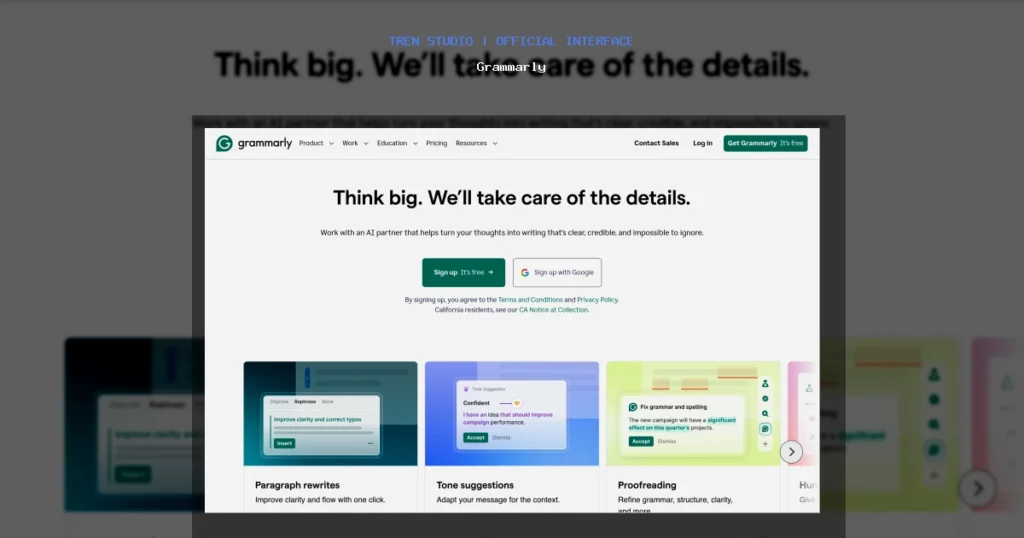
Grammarly’s UI varies depending on where you use it. * **Browser Extension:** This is arguably its most popular form. It integrates seamlessly into almost any text field on the web – emails, social media posts, content management systems, you name it. Underlined suggestions appear directly in your text, and clicking on them reveals detailed explanations and correction options. The little green or red dot indicating Grammarly’s presence is a familiar sight. * **Desktop App:** The dedicated desktop application acts as a robust editor. You can paste text or upload documents for a more in-depth analysis. It provides a comprehensive score, along with detailed feedback on correctness, clarity, engagement, and delivery. * **Microsoft Office Add-in:** For those working heavily in Word or Outlook, the add-in provides similar real-time suggestions directly within the application. My main interaction is with the browser extension and the desktop app. Both are incredibly user-friendly. The suggestions are generally clear, and the explanations for why a change is recommended are genuinely educational. I appreciate the ability to set goals for my writing (e.g., audience, formality, intent), which helps tailor the suggestions.Speed
Grammarly operates in near real-time. As you type, suggestions appear almost instantaneously. For longer documents in the desktop app, a full scan takes a few seconds, but it’s never disruptive. The speed at which it provides feedback is one of its greatest strengths, allowing for immediate correction and learning.Output Quality (Corrections & Suggestions)
Grammarly’s core strength lies in its meticulous attention to detail. * **Grammar and Spelling:** This is its bread and butter. It catches everything from simple typos to complex grammatical errors (e.g., subject-verb agreement, comma splices, tense consistency). It’s far more sophisticated than standard spell checkers. * **Clarity and Conciseness:** Grammarly excels at identifying wordy sentences, passive voice, and jargon. It often suggests rephrasing sentences to make them punchier and easier to understand. For instance, changing “Due to the fact that” to “Because” is a common, helpful suggestion. * **Engagement and Delivery:** It provides feedback on sentence variety, word choice, and overall tone. If your text sounds too repetitive or too informal for its intended audience, Grammarly will flag it. * **Plagiarism Checker:** The Premium version includes a plagiarism checker, which is invaluable for academic writing or ensuring content originality. * **Generative AI Features:** Grammarly has introduced features like “GrammarlyGO” which can generate content, rewrite sentences, or summarize text. While these are useful, they are not as robust or versatile as Gemini for initial content creation. They are more geared towards enhancing or modifying existing text within the Grammarly ecosystem. For example, I can highlight a sentence and ask GrammarlyGO to “make it more formal” or “shorten it.” The quality of its corrections is consistently high. While it occasionally makes a suggestion I disagree with (especially regarding stylistic choices), it’s rare, and it’s easy to dismiss those suggestions. The overall impact on writing quality is undeniable.My Experience with Grammarly
Grammarly is my invisible co-pilot. I probably interact with it hundreds of times a day without consciously thinking about it. Every email, every Slack message, every blog post draft passes through Grammarly’s watchful eye. It has caught countless embarrassing typos and helped me rephrase awkward sentences before they ever saw the light of day. For anyone who writes professionally, or simply wants to communicate more effectively, Grammarly is practically indispensable. My main use case is refinement. I’ll often write a first draft quickly, focusing on getting ideas down, and then rely on Grammarly to clean up the prose. It’s particularly useful when I’m tired or rushing, as it acts as a reliable safety net. Its generative features, while growing, are still secondary to its primary role as a powerful editing tool. I wouldn’t start a complex article with GrammarlyGO, but I would absolutely use it to polish a paragraph I’ve already written.Deep Dive: Notion AI
4.5
out of 5
Notion AI
★★★★★
Free plan available
Try Notion AI Free
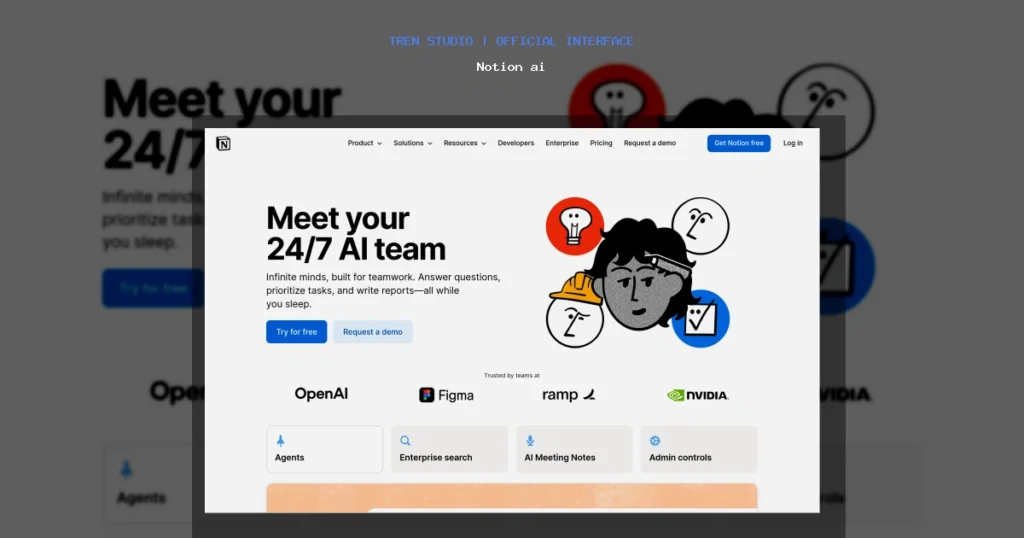
UI and User Experience
Notion AI’s UI is seamless because it’s *within* Notion. You invoke it directly within any Notion page or block. Typing a forward slash (`/`) and selecting “AI” or highlighting text and clicking “Ask AI” brings up a context menu with various AI actions. This integration means there’s no switching tabs, no copying and pasting. The AI understands the context of the page you’re on, the database properties you’re using, and the content you’ve already written. This contextual awareness is a game-changer. For example, if you have a database of meeting notes, Notion AI can summarize all notes for a specific project. If you’re drafting a blog post within Notion, it can continue writing from where you left off, respecting the tone and topic of your existing text.Speed
Notion AI is generally fast, though perhaps not as instantaneously responsive as Grammarly for minor corrections or as rapid as Gemini for brand-new, complex generations. When you trigger an AI action, there’s a brief processing time, typically a few seconds, before the generated text appears. For summarizing long documents or generating extensive content, it might take a bit longer, but it’s well within acceptable limits for a productivity tool.Output Quality
The quality of Notion AI’s output is heavily influenced by the context it’s given. * **Context-Aware Summarization:** This is one of its strongest features. Point it at a long document, a collection of meeting notes, or even a series of web clippings within Notion, and it will produce a coherent summary. This is incredibly useful for knowledge management. * **Content Generation & Brainstorming:** Like Gemini, it can generate ideas, outlines, and full drafts. Its advantage here is its ability to reference other pages or blocks within your Notion workspace. For example, I can ask it to “Write a marketing plan based on the product brief on this page” or “Draft a social media post promoting the event listed in my calendar database.” The results are surprisingly good, often requiring less editing than generic AI outputs because they’re already grounded in your existing content. * **Translation & Rephrasing:** It can translate content and rephrase sentences for clarity or a different tone, similar to Grammarly’s advanced features, but with the added benefit of Notion’s contextual understanding. * **Action Items & Key Takeaways:** For meeting notes or project updates, Notion AI can automatically extract action items or key takeaways, streamlining the process of follow-up. * **Database Integration:** This is unique. Notion AI can populate database properties, generate descriptions for database entries, or even help structure your data based on natural language prompts. For example, if you have a “Tasks” database, you can ask AI to “Suggest 5 sub-tasks for this main task.” While Notion AI is powerful, its output quality can sometimes be less creative or “punchy” than Gemini for truly open-ended brainstorming. It excels at structured content and leveraging existing information. Like all LLMs, fact-checking is necessary for critical information.My Experience with Notion AI
Notion AI has become an indispensable part of my Notion workflow. As someone who uses Notion for everything from project management to content calendars and personal notes, having AI directly integrated saves an enormous amount of time. My primary use cases include: * **Summarizing meeting notes:** After a long meeting, I’ll often highlight the entire transcript or my raw notes and ask Notion AI to “Summarize key decisions and action items.” * **Drafting social media posts:** I keep a content calendar in Notion. When planning a post, I’ll often have a few bullet points. I can then ask Notion AI to “Draft a compelling social media post from these bullet points, including relevant hashtags.” * **Brainstorming within projects:** If I’m working on a project page, I can ask Notion AI to “Suggest 5 potential risks for this project” or “Outline a user onboarding flow for this feature.” The AI draws on other information on the page, like project goals or existing documentation, to provide relevant suggestions. * **Cleaning up raw notes:** If I’ve quickly jotted down thoughts, I can ask Notion AI to “Refine and organize these notes into coherent paragraphs.” The main limitation is that its power is confined to Notion. If your primary work isn’t in Notion, then Notion AI won’t be as impactful for you.Feature & Pricing Comparison
Let’s break down the core features and the cost of entry for each tool.Google Gemini (Advanced)
* **Core Features:** * Generative AI for text (articles, emails, code, scripts, creative content). * Summarization of complex texts. * Brainstorming and idea generation. * Multimodal capabilities (though text is our focus here). * Access to Google’s vast knowledge base. * Integration with other Google apps (e.g., extensions for Gmail, Docs, though not as deep as Notion AI). * **Pricing:** * **Free Tier:** Access to the standard Gemini model (formerly Bard). This is quite capable for many general tasks. * **Gemini Advanced:** Part of the Google One AI Premium Plan. This costs **$19.99/month** (after a 2-month free trial) and includes 2TB of cloud storage, Google Workspace premium features, and access to the most advanced Gemini model (Ultra 1.0).Grammarly (Premium/Business)
* **Core Features:** * Advanced grammar, spelling, and punctuation checks. * Clarity-focused rewrites (conciseness, active voice). * Tone detection and adjustments. * Plagiarism checker. * Vocabulary enhancements. * Style guide consistency (for business plans). * Generative AI features (GrammarlyGO) for rewriting, summarizing, and drafting. * Integrations: Browser extension, desktop app, MS Office add-in, mobile keyboard. * **Pricing:** * **Free Tier:** Basic grammar, spelling, and punctuation checks. Very useful for everyday writing. * **Grammarly Premium:** **$30/month** when billed monthly, often discounted to **$12/month** when billed annually ($144/year). Includes advanced style, clarity, tone, and plagiarism checks. * **Grammarly Business:** Starts at **$15/user/month** for teams of 3-9, with volume discounts. Includes team features, style guides, and admin controls.Notion AI
* **Core Features:** * Context-aware content generation (summaries, drafts, brainstorming, translations). * Automated action item extraction. * Integration with Notion databases and pages. * Q&A over existing Notion content. * Rephrasing and tone adjustments within Notion. * **Pricing:** * **Free Tier:** Notion itself has a generous free tier for personal use, but Notion AI features are limited to a certain number of free AI responses (typically around 20 for testing). * **Notion AI Add-on:** **$10/member/month** whenRelated Articles
- Notion AI Review 2026: Is it Worth the Price?
- Top 4 Notion Ai Vs Grammarlygo in 2026
- How to Use Motion for AI Productivity & Workspace in 2026
Google gemini Interface
Grammarly Interface
Notion ai Interface
Hardware Recommendation: SanDisk 2TB Extreme Portable SSD
Decision clip
Google gemini vs Grammarly
Google Gemini vs Grammarly vs Notion AI: Which is Better?
Best lensResearch accuracy vs workflow breadth
Fast readClose call: decide by workflow
Google gemini
Broad AI assistant- Workspace-aware drafting
- Multimodal prompts
- Good for broad exploration
84
Grammarly
Writing polish layer- Inline grammar edits
- Tone suggestions
- Broad app coverage
82
Source clarity
Answer depth
Workflow fit
Speed
Choose based on whether you need trusted sources, a broad assistant, or the fastest daily research loop.
Google gemini
VS
Grammarly