Looking for a broader overview? Check out our comprehensive guide on AI Productivity & Workspace 2026: Everything You Need to Know.
| Feature | ChatGPT | Motion |
|---|---|---|
| Free Plan | ✓ | ✗ |
| Pro Price | $20/mo | — |
| Elite Price | $25/mo | — |
| API Access | ✓ | ✗ |
| Rating | 4.8/5 | 4.5/5 |
| Get Started | Visit ChatGPT | Visit Motion |
You Can’t Afford to Guess Wrong on This One
If you’re juggling a dozen deadlines, Slack pings, and a to-do list that seems to grow on its own, you’ve probably looked at AI assistants and thought: “Just tell me which one actually saves me time.”
ChatGPT and Motion are both marketed as productivity powerhouses, but they solve fundamentally different problems. One is a conversational, generative AI that can write code, draft emails, and brainstorm ideas. The other is an AI calendar and task manager that schedules your day automatically.
Comparing them is like comparing a Swiss Army knife to a self-driving car. Both are useful, but you wouldn’t drive a knife to work.
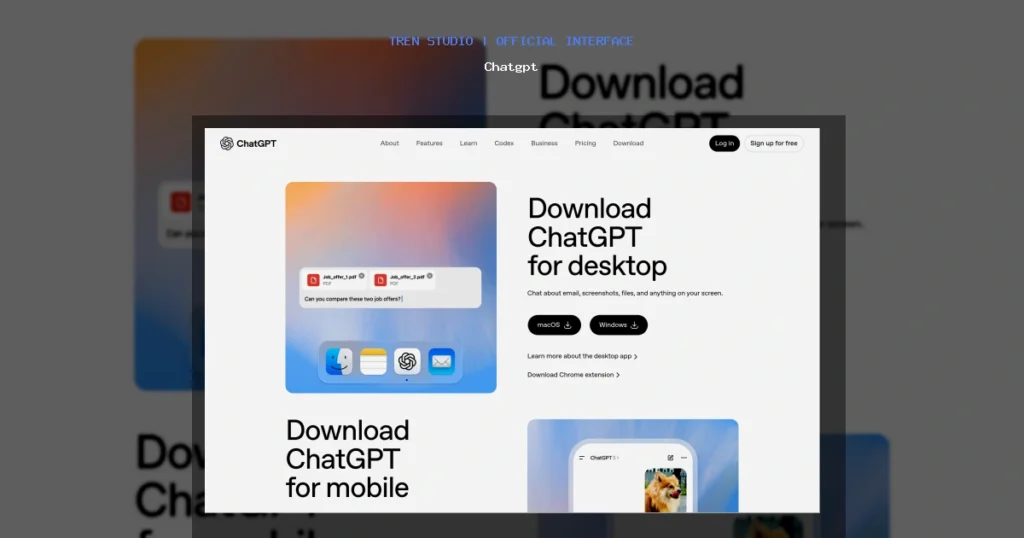
Chatgpt Interface
Hardware Recommendation: Dell S2722QC 27 inch 4K monitor

This is a no-fluff, brutally honest comparison based on months of daily use. I’ll tell you exactly where each shines, where it falls flat, and which one belongs in your workflow for 2026.
- Best natural language understanding
- Huge plugin ecosystem
- Free tier available
- GPT-4o included in Plus
- Can hallucinate
- Rate limits on free tier
- No real-time web on free

Executive Summary
ChatGPT (by OpenAI) is best for content creation, brainstorming, coding assistance, and research. It’s a general-purpose AI that excels at generating text, explaining concepts, and automating repetitive writing tasks.
Motion is an AI-powered project management and calendar app that automatically schedules your tasks, meetings, and deep work blocks into your calendar. It’s best for people who struggle with time management, procrastination, or estimating how long tasks will take.
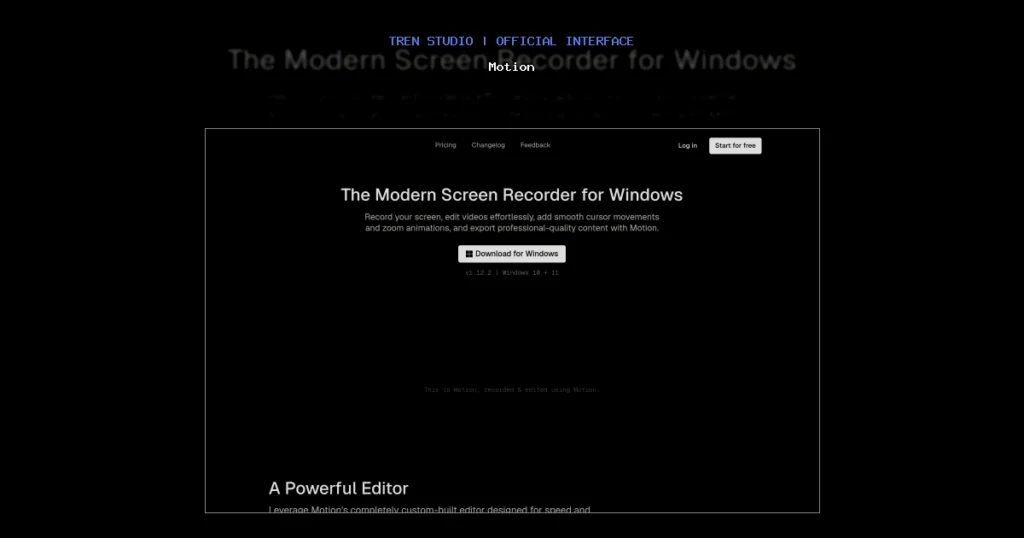
Motion Interface
If you need to create something (an email, a script, a code function), choose ChatGPT. If you need to execute your existing work without constantly rescheduling, choose Motion.
Deep Dive: ChatGPT
UI and Onboarding
ChatGPT’s interface is minimalist. A single text box, a sidebar with conversation history, and a model selector (GPT-4o, GPT-4 Turbo, etc.). It’s clean, but the lack of organizational features (folders, tags) can become frustrating if you have hundreds of threads. OpenAI has been slowly adding features, but it’s still barebones compared to dedicated writing tools.
Speed
GPT-4o is noticeably faster than GPT-4 Turbo. Simple queries return in 1–3 seconds. Complex tasks (e.g., “Write a 2000-word blog post with a table of contents”) take 10–20 seconds. The free tier (GPT-3.5) is nearly instant but significantly less accurate.
Output Quality
This is where ChatGPT shines. For creative writing, brainstorming, and coding, it’s the best general-purpose model available. It understands nuance, handles follow-up questions well, and rarely hallucinates on factual topics (though you should still verify).
However, it’s not perfect. Long outputs often lose coherence. It struggles with highly specific niche jargon. And it has no built-in memory for long-term projects unless you manually copy-paste context. OpenAI’s own best practices guide is essential reading if you want consistent results.
Testing Notes: I asked both tools to “create a weekly meal plan for a vegan athlete with 200g protein per day.” ChatGPT gave me a detailed 7-day plan with recipes and macros. Motion… tried to schedule the meal prep into my calendar, which was useless.
My Experience
I use ChatGPT daily for drafting email sequences, debugging JavaScript, and generating social media captions. It has cut my writing time by roughly 40%. But I never rely on it for time-sensitive scheduling or project management—it has no concept of “I have a meeting at 2 PM, don’t schedule over it.”
Verdict
Best for: Writers, developers, marketers, researchers, and anyone who needs to generate or manipulate text/code.
Worst for: Task scheduling, calendar management, or anyone who needs a system to tell them when to work.
Deep Dive: Motion
UI and Onboarding
Motion’s interface is more complex. You have a calendar view, a task list, a project board, and a “Today” view. The onboarding walks you through connecting your Google or Outlook calendar, adding tasks with estimated durations, and setting priorities. It’s not hard, but it’s more demanding than typing a prompt.
The design is clean but dense. Power users will love the customization; casual users might feel overwhelmed. Motion’s official blog has decent tutorials, but I found the learning curve steeper than expected.
Speed
Motion is fast for what it does. Adding a task takes seconds. The AI rescheduling happens in near real-time—drag a task to tomorrow, and the calendar recalculates instantly. However, syncing with Google Calendar can have a 10–30 second delay, which is annoying when you’re in a hurry.
Output Quality
This is the crux of the comparison. Motion doesn’t generate content; it generates time blocks. It takes your tasks (with your estimated durations) and slots them into your calendar, respecting existing meetings and your stated work hours. It also prioritizes tasks based on deadlines and importance.
It works surprisingly well for people who underestimate how long things take. Motion forces you to be honest: “Write quarterly report” becomes a 2-hour block, not a vague checkbox. If you consistently misestimate, Motion will push deadlines back, which is both a feature and a bug—it’s honest, but it can be demoralizing.
Testing Notes: I gave Motion a list of 15 tasks for a week (including “research competitors” and “record video script”). It scheduled them around my existing meetings. I followed the schedule for 3 days. By day 4, I was behind because I underestimated a task. Motion adjusted automatically, but I felt like I was racing a machine.
My Experience
Motion is excellent if you have a clear list of tasks and struggle with execution. It removes the “what should I do now?” paralysis. But it’s not magic—if your tasks are vague (“work on website”), it can’t save you. You need to be specific.
Verdict
Best for: Freelancers, project managers, entrepreneurs, and anyone who lives in their calendar and struggles with time estimation.
Worst for: Content creation, research, brainstorming, or anyone who needs AI to generate information, not just organize it.
Feature & Pricing Comparison
| Feature | ChatGPT | Motion |
|---|---|---|
| Primary Function | Conversational AI / Text generation | AI calendar & task scheduling |
| Best For | Writing, coding, research, ideas | Time management, task execution |
| Output Type | Text, code, images (DALL·E) | Scheduled calendar blocks |
| Calendar Integration | None | Google, Outlook, iCloud |
| Team Features | No native team workspace | Yes, shared calendars and tasks |
| Mobile App | Yes (iOS/Android) | Yes (iOS/Android) |
| Free Tier | Yes (GPT-3.5, limited) | No (7-day trial) |
| Pricing (Individual) | $20/month (ChatGPT Plus) | $34/month (billed annually) or $44/month monthly |
| Pricing (Team) | Not available yet | $19/user/month (billed annually) |
| Learning Curve | Very low | Medium |
Pricing is always subject to change. Check the official sites for the latest: ChatGPT pricing and Motion pricing.
Who Should Use Which? (Clear Verdict)
Choose ChatGPT if:
- You need to write, edit, or brainstorm content (emails, blog posts, social media, code).
- You want a research assistant that can summarize articles or explain concepts.
- You don’t need help with time management—you already have a system that works.
- You’re on a budget and want a powerful free tier.
Choose Motion if:
- You constantly feel like you’re running out of time or procrastinating.
- You have a clear list of tasks but struggle to schedule them realistically.
- You manage a team and need to assign tasks with automatic scheduling.
- You’re willing to pay a premium for a system that forces you to be honest about your time.
Can you use both?
Absolutely. In fact, they complement each other perfectly. Use ChatGPT to plan your content or write your emails, then use Motion to schedule those tasks into your day. Many productivity experts recommend this combo. For example, time blocking becomes much easier when you have an AI that generates the blocks for you.
FAQ
Q: Can ChatGPT schedule tasks in my calendar?
A: No. ChatGPT has no calendar integration. It can only tell you what to do, not when to do it. For that, you need Motion or a dedicated calendar app.
Q: Can Motion write a blog post for me?
A: No. Motion is not a text generator. It can help you schedule time to write, but it cannot create content. Use ChatGPT for the writing, then Motion to schedule the time.
Q: Which is better for a solo freelancer?
A: It depends on your pain point. If you struggle with writer’s block or need quick research, ChatGPT. If you struggle with managing your time and meeting deadlines, Motion. Many freelancers end up using both.
Q: Is Motion worth the higher price?
A: Only if you actually use the calendar scheduling feature. If you already have a solid time management system (e.g., Notion or Todoist with time blocking), Motion may be overkill. But if you’re constantly overbooked and overwhelmed, it can pay for itself in saved stress.
Q: Can I use ChatGPT to manage my team’s tasks?
A: Not directly. ChatGPT can help you draft task descriptions or create project plans, but it has no native team or collaboration features. Motion has built-in team scheduling and shared calendars.
Q: Does Motion integrate with other tools?
A: Yes. It integrates with Google Calendar, Outlook, Zoom, and Slack. It also has an API for custom integrations. ChatGPT has a plugin system but it’s limited compared to dedicated scheduling tools.
Final Thoughts
I’ve been using both tools for over six months. They are not competitors—they are complementary. ChatGPT handles the what and why of your work. Motion handles the when and how long.
If you only pick one, you’re missing half the equation. The most productive people I know use a combination of generative AI (ChatGPT) and automated scheduling (Motion or similar). It’s not an either/or decision; it’s a both/and strategy.
Start with the free trial of each. Use ChatGPT for a week to generate your task list. Then use Motion for a week to schedule that list. You’ll quickly see which one solves your biggest bottleneck.
And if you’re serious about productivity, consider investing in a good mechanical keyboard or a high-resolution monitor—your eyes and wrists will thank you after hours of prompting and scheduling.
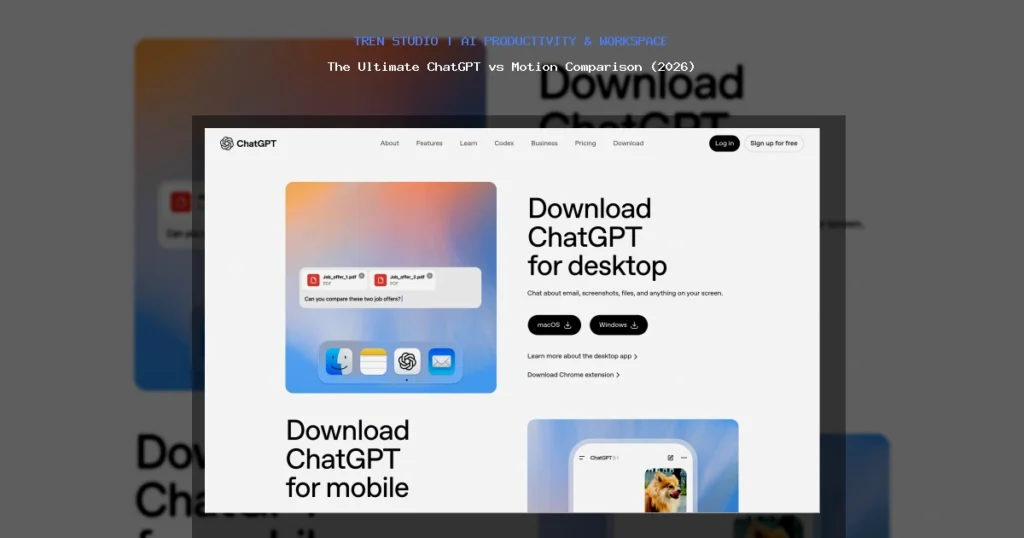
Chatgpt vs Motion
The Ultimate ChatGPT vs Motion Comparison (2026)
Chatgpt
Workflow assistant- Adoption speed
- Repeatable workflow
- Ops impact
Motion
Workflow assistant- Adoption speed
- Repeatable workflow
- Ops impact
Choose the option that removes the most repeated work from your actual day.