Looking for a broader overview? Check out our comprehensive guide on AI Productivity & Workspace 2026: Everything You Need to Know.
The Short Version: Is Notion AI Actually Worth Your Money in 2026?
Let’s cut the fluff. I’ve been using Notion AI for the last six months as my primary writing and research assistant. The short answer? It’s a powerful tool if you’re already living inside the Notion ecosystem, but it’s not the magic bullet the marketing suggests. For heavy writers and project managers, it saves time. For casual note-takers, it’s an expensive add-on. Here’s the full, gritty breakdown.
What Is Notion AI?
Notion AI is an integrated artificial intelligence layer built directly into the Notion workspace. It’s not a standalone chatbot; it’s a helper that lives inside your pages, databases, and documents. You can ask it to summarize notes, generate blog posts, rewrite paragraphs, fix spelling, translate text, or even brainstorm ideas based on your existing content. It’s deeply contextual because it reads the page you’re on.
Think of it as having a junior writer who knows your project context, but sometimes hallucinates facts or writes in a sterile tone. It’s best used for drafting, not for final, publish-ready copy.
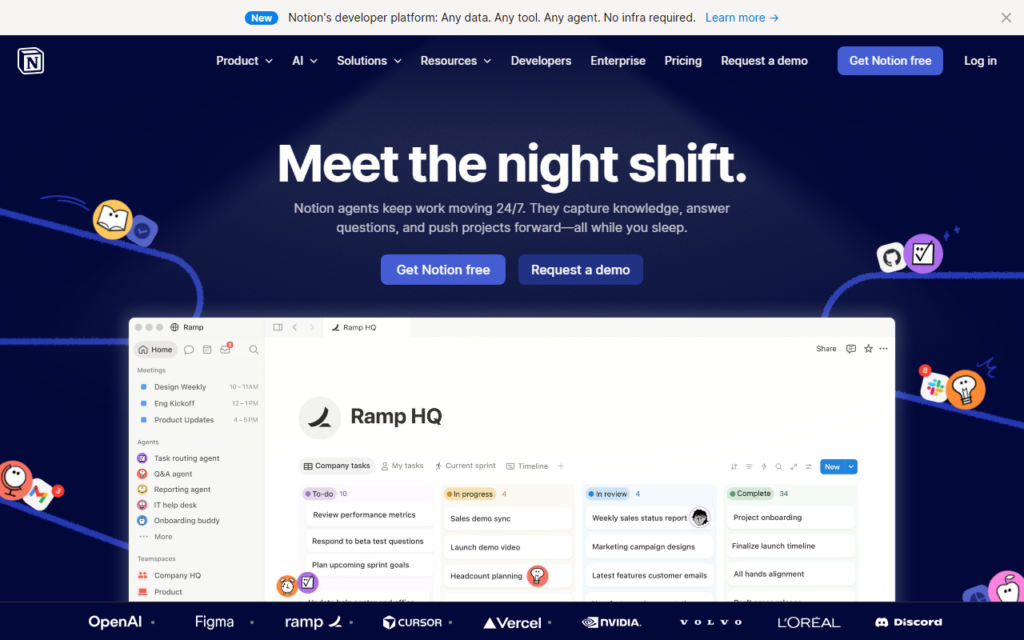
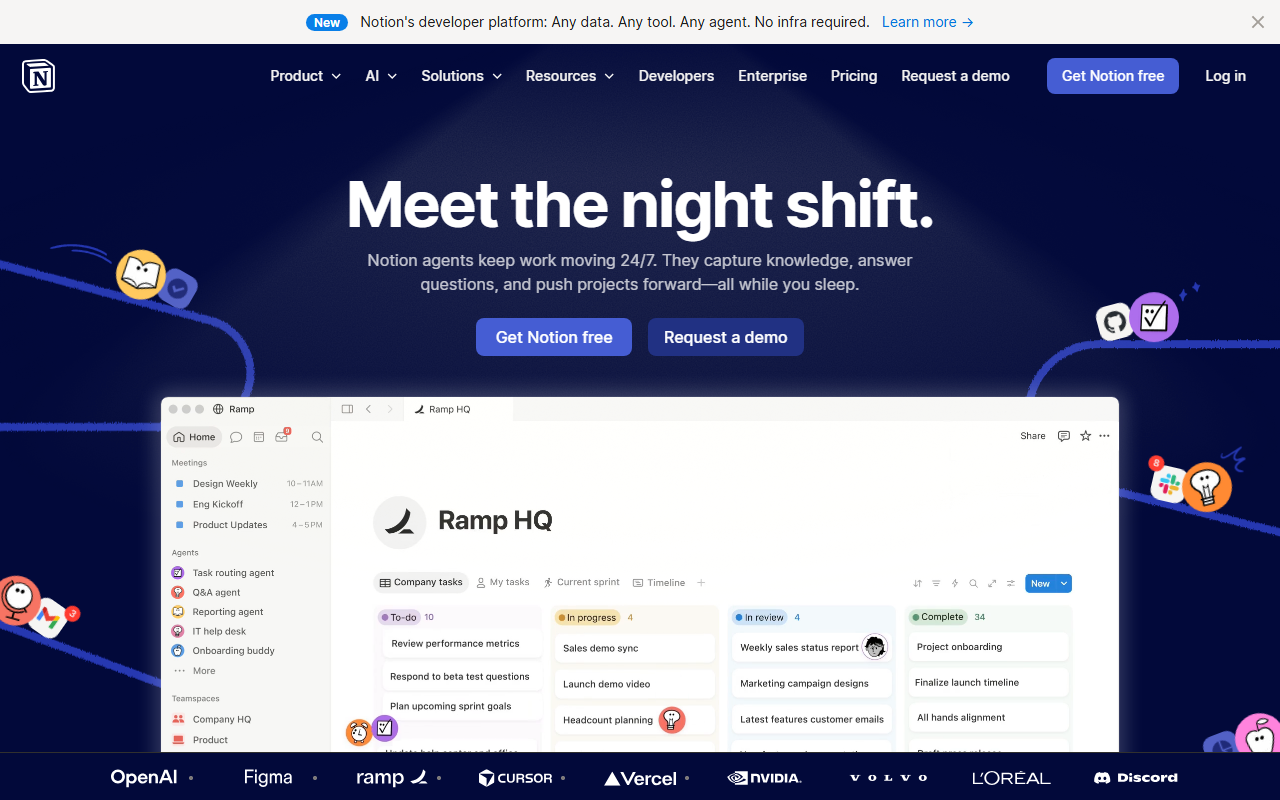
Notion ai Interface
Hardware Recommendation: Dell S2722QC 27 inch 4K monitor

My Testing Notes: What Worked and What Failed
I ran Notion AI through a gauntlet of real-world tasks over three months. Here’s the honest scorecard:
What Worked (The Good)
- Contextual Summaries: I have a massive database of 200+ articles on productivity. I asked Notion AI to “summarize the top 5 arguments from my Q4 2025 research notes.” It pulled the right pages, synthesized them, and gave me a bulleted list in 10 seconds. This was genuinely impressive.
- Brainstorming & Outlining: When I hit writer’s block, I type “/AI brainstorm: list 10 angles for a review of AI writing tools.” It gives me decent starting points. I’d say 60% of the ideas are usable.
- Grammar & Tone Fixes: The “Improve Writing” feature is solid. It tightens passive voice and fixes run-on sentences better than Grammarly’s free tier.
- Translation: I tested it translating a 500-word English blog post into Spanish. It was accurate, though it missed some idiomatic phrases. Fine for internal drafts.
What Failed (The Bad)
- Factual Hallucinations: I asked it to “write a paragraph about the history of the QWERTY keyboard.” It confidently stated it was invented in 1874 by Christopher Sholes for typewriters. That’s correct. But it then added a false claim that “the layout was designed to slow typists down to prevent jams.” This is a debunked myth. You cannot trust Notion AI for factual accuracy without verification.
- Generic Voice: The default output sounds like a corporate memo from 2015. If you want a personal, witty, or informal tone, you have to heavily edit the output. It struggles with voice.
- Long-Form Structure: I asked it to write a 1500-word article. It produced 800 words that were repetitive and lost the thread halfway through. It’s best for short-form (under 500 words) or outlines.
- Database Queries: I tried asking it to “find all tasks assigned to John that are overdue.” It returned some tasks, but missed others. The database AI is not as reliable as a dedicated tool like dbt or SQL queries.
Pricing Analysis: Is It Worth the Cost?
As of early 2026, Notion AI is an add-on. The base Notion plan is free or $10/month for Plus. The AI add-on costs $10 per member per month (billed annually) or $12 per member per month (billed monthly).
Let’s do the math for different user types:
- Solo Creator: You pay $10/month for AI on top of your free Notion. That’s $120/year. If you write 10+ articles or reports a month, it’s worth it for the drafting time saved. If you only write 2-3 notes a week, skip it.
- Small Team (5 people): That’s $50/month ($600/year) for AI. This is only justified if every team member uses it daily for writing, summarizing, or brainstorming. If only one or two people use it, you’re overpaying.
- Enterprise: For large teams, the cost scales fast. You might be better off with a dedicated AI writing tool like Jasper or Copy.ai that has team pricing and better voice control.
Verdict on Price: It’s overpriced for casual users. It’s fair for heavy writers who already use Notion as their second brain. If you don’t live in Notion, don’t buy the AI add-on.
Pros & Cons
Pros
- Deep Contextual Awareness: It reads your page and database, so the AI understands your project better than a generic chatbot.
- Seamless Integration: No switching tabs. You type “/AI” and the tool is right there in your document.
- Good for Drafting & Summaries: It excels at turning rough ideas into structured notes or summarizing long documents.
- Privacy: Notion claims your data is not used to train public models. For sensitive business notes, this matters.
Cons
- Factual Unreliability: It will confidently lie. You must fact-check everything.
- Generic Output Tone: It lacks personality. You’ll spend time editing the voice.
- Expensive Add-On: $10/month per user is steep, especially for teams where not everyone needs AI.
- No Image Generation: Unlike ChatGPT Plus or Google Gemini, it cannot generate images, code, or analyze uploaded files (like PDFs).
- Slow on Large Databases: When I queried a database with 5,000 entries, it took 30+ seconds to respond.
FAQ
Q: Can Notion AI replace ChatGPT or Claude?
A: No. Notion AI is a specialized tool for writing and summarizing within the Notion ecosystem. For general research, coding, or image generation, you’re better off with ChatGPT or Claude. Notion AI is a supplement, not a replacement.
Q: Does Notion AI work offline?
A: No. It requires an active internet connection. All AI processing happens on Notion’s servers.
Q: Is my data safe with Notion AI?
A: Notion states that your content is not used to train their AI models. However, the AI queries are processed on their servers. If you have strict data compliance (e.g., HIPAA, GDPR with sensitive health data), consult your legal team first.
Q: Can I use Notion AI for SEO content?
A: You can use it for drafting outlines and first drafts, but you must thoroughly rewrite and fact-check. The AI does not understand search intent well. For SEO-optimized content, tools like Surfer SEO or Semrush are more appropriate for the optimization layer.
Q: Is there a free trial?
A: Yes. Notion offers a limited free trial of the AI add-on (usually 20 AI responses). Test it before committing to a subscription.
Final Verdict
Score: 7/10
Notion AI is a useful but not essential tool. If you are a power user who writes daily inside Notion, the $10/month can save you hours of drafting and summarizing. If you are a casual note-taker or rely on Notion only for project management, skip the AI add-on and save your money.
My recommendation: Try the free trial. Draft one week’s worth of content with it. If you find yourself editing more than 50% of the output, it’s not for you. If you find it accelerating your workflow, then subscribe.
For the best experience, pair Notion AI with a good monitor. A Dell UltraSharp 27-inch 4K monitor makes a huge difference when you’re juggling multiple Notion pages and databases. Also, a comfortable mechanical keyboard like the Keychron K2 will reduce typing fatigue during long writing sessions.
Ultimately, Notion AI is a tool for writers who are already deep in the Notion ecosystem. It won’t make you a better writer, but it can make you a faster one.