Looking for a broader overview? Check out our comprehensive guide on AI Image Generation 2026: Everything You Need to Know.
| Feature | Canva AI | Ideogram | Leonardo AI |
|---|---|---|---|
| Free Plan | ✗ | ✗ | ✗ |
| Pro Price | — | — | — |
| Elite Price | — | — | — |
| API Access | ✗ | ✗ | ✗ |
| Rating | 4.5/5 | 4.5/5 | 4.5/5 |
| Get Started | Visit Canva AI | Visit Ideogram | Visit Leonardo AI |
Introduction
Let’s be real for a second: the AI image generator space is flooded. You’ve got open-source models, freemium apps, and enterprise-grade suites all promising to turn your text prompts into gold. But after spending the last few weeks stress-testing three of the most talked-about platforms—Canva AI, Ideogram, and Leonardo AI—I’ve got a pretty clear picture of who should pay for what.
I’m not here to sell you a dream. I’m here to tell you which tool actually saved me time, which one made me want to throw my mouse across the desk, and which one is quietly the best value for your money in 2026. We’ll dig into real use cases, pricing gotchas, and the hardware that actually makes these tools sing.
Before we jump in, a quick note: if you’re running these generators on an older laptop, you’re going to hit a wall. A decent drawing tablet or a color-accurate monitor can make the difference between “good enough” and “print-ready.” I’ll point out where that matters.
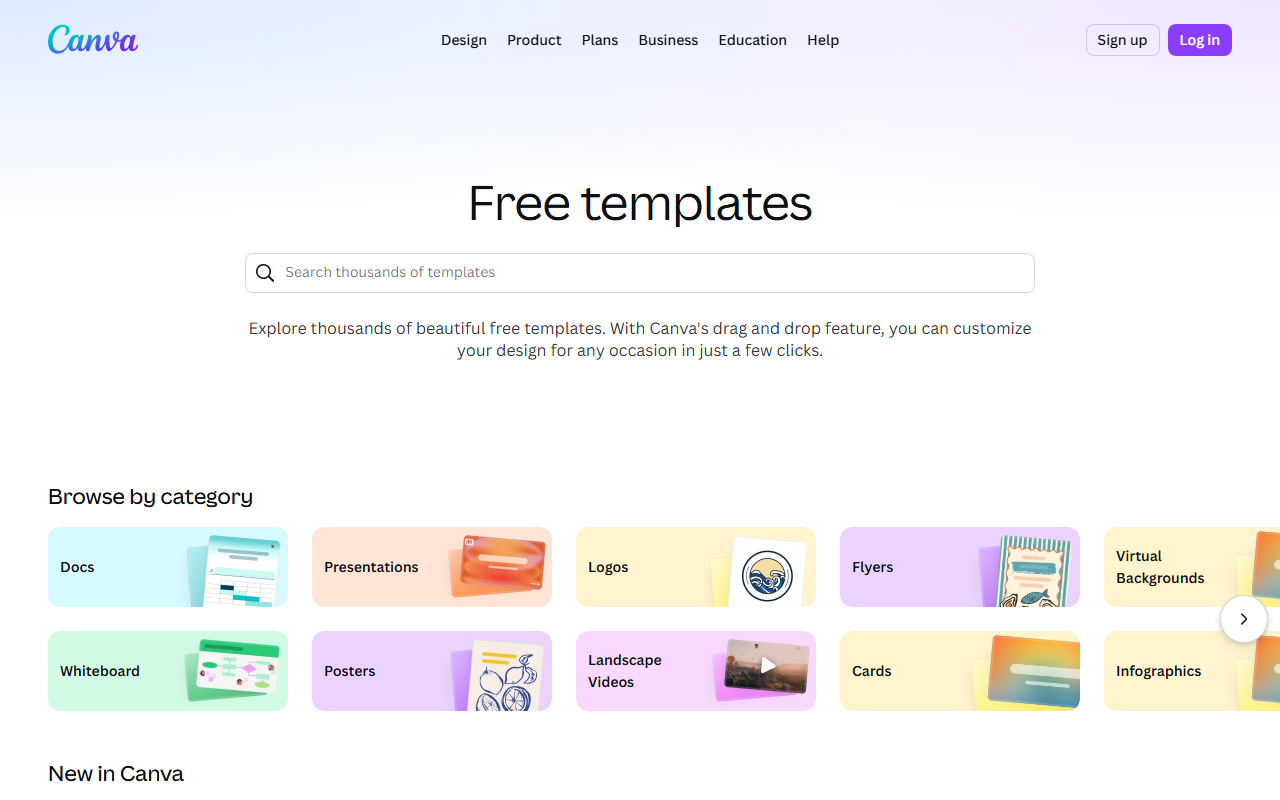
Canva ai Interface
Hardware Recommendation: Dell S2722QC 27 inch 4K monitor

Canva AI Interface
Canva AI Interface
Canva AI — The All-in-One Suit for Marketers
Unique Selling Proposition: Canva AI isn’t just an image generator—it’s a full creative studio wrapped in a browser. The “Magic Media” tool lets you generate images from text, but the real magic is how it integrates with Canva’s existing template library, brand kits, and drag-and-drop editor. You can generate a hero image and immediately drop it into a social post or presentation without leaving the tab.
Ideal Use Case: Social media managers, small business owners, and anyone who needs to produce polished visuals fast. If your workflow is “write copy, then make a graphic,” Canva AI is your best friend.
Pricing: Canva Pro is about $12.99/month (billed annually). The free tier gives you a taste, but you’ll run into generation limits quickly. The Pro plan unlocks 50 generations per user per month for Magic Media, plus access to the full stock photo library.
My Experience: I tested Canva AI for a week-long social media campaign. The prompt-to-image speed is impressive—usually under 5 seconds. The style presets (like “Cinematic,” “3D Render,” “Watercolor”) are well-curated. However, the fine-grained control is limited. You can’t easily tweak the seed or adjust the CFG scale. It’s a black box that works, but you don’t get to peek under the hood.
Testing Notes: The “Magic Expand” feature is a standout. I generated a landscape image, then used it to expand the canvas for a vertical story post. The AI filled in the top and bottom seamlessly about 80% of the time. For the other 20%, I had to manually erase and re-prompt.
Verdict: 8/10 for speed and integration. 6/10 for creative control. If you’re a marketer who needs speed over precision, this is your pick. If you’re a digital artist, you’ll want more.
Leonardo ai Interface

Leonardo AI Interface
Leonardo AI Interface
Ideogram — The Typography King
Unique Selling Proposition: Ideogram is the only mainstream AI image generator that handles text in images with shocking accuracy. While Midjourney and DALL-E still struggle with readable logos and signs, Ideogram nails it about 90% of the time. Their “Magic Prompt” feature also helps you refine vague ideas into concrete outputs.
Ideal Use Case: Graphic designers, logo creators, and anyone who needs custom typography or text-heavy visuals (think posters, banners, meme templates).
Pricing: Ideogram has a free tier (10 slow generations per day). The paid plans start at $10/month for 100 fast generations, up to $40/month for 500 fast generations plus API access. There’s also a “Pro” tier at $80/month for commercial licensing on all outputs.
My Experience: I threw a brutal test at Ideogram: “A neon sign saying ‘Open 24/7’ in a rainy alleyway, cyberpunk style.” The output was near-perfect. The letters were crisp, the neon glow was realistic, and the rain effects didn’t blur the text. I tried the same prompt in Canva AI and got a garbled mess of characters.
Testing Notes: Ideogram’s “Remix” feature is killer. You can generate an image, select a region, and re-prompt only that area. I used it to fix a typo in a generated poster without starting over. The downside? The free queue is painfully slow—sometimes 5–10 minutes per image during peak hours.
Verdict: 9/10 for text handling. 7/10 for speed (paid tier is fine). If you’re a designer who needs readable text in your AI art, this is the only choice. Pair it with a decent drawing tablet for fine-tuning, and you’re golden.
Leonardo AI — The Power User’s Playground
Unique Selling Proposition: Leonardo AI is the most technically flexible generator on this list. It offers model selection (e.g., “Leonardo Diffusion XL,” “Albedo Base,” “RPG 4.0”), fine-grained controls like CFG scale, sampler choice, and seed control, plus a built-in canvas editor for inpainting and outpainting. It’s basically a free, web-based version of what Stable Diffusion offers locally.
Ideal Use Case: Game asset creators, concept artists, and advanced hobbyists who want to tweak every parameter. If you know what “Euler Ancestral” means, this is your tool.
Pricing: Leonardo AI has a generous free tier (150 tokens per day, each generation costs 1–5 tokens depending on model and resolution). Paid plans start at $10/month for 1,500 tokens and go up to $48/month for 7,500 tokens. The free tier is actually usable for casual work.
My Experience: I used Leonardo to generate a series of fantasy character portraits for a tabletop RPG campaign. The model selection alone is worth the price of admission. The “RPG 4.0” model produced consistent, stylized characters that matched my reference sheet. The inpainting tool let me change a character’s armor color without regenerating the whole image.
Testing Notes: The UI is intimidating for beginners. There are dropdowns for “Scheduler,” “Guidance Scale,” and “Strength.” If you don’t know what these do, you’ll get inconsistent results. The community models are a double-edged sword—some are amazing, some are garbage. Stick to the official models for reliability.
Verdict: 10/10 for control. 6/10 for user-friendliness. If you’re a power user who wants to squeeze every last drop of quality out of your prompts, Leonardo is unmatched. Just be ready to spend an hour learning the interface. A color-accurate monitor is almost mandatory here because subtle parameter changes affect color grading.
Buying Guide: How to Choose the Right One
Picking the best AI image generator for 2026 comes down to three questions:
- What’s your workflow? If you’re already in Canva for design, stay there. The integration saves more time than a slightly better generator would. If you’re coding or doing heavy batch processing, Leonardo’s API and control are better.
- Do you need text in your images? If yes, Ideogram is non-negotiable. No other tool in this list (or most lists) handles typography as well.
- How much control do you want? Canva AI is a point-and-shoot camera. Leonardo AI is a full-frame DSLR with manual lenses. Ideogram sits in the middle—more control than Canva, less than Leonardo.
My recommendation for most people: Start with Leonardo AI’s free tier to learn the ropes. If you find yourself frustrated by the complexity, switch to Ideogram for design work and Canva for quick social media posts. Don’t pay for all three at once—you’ll waste money on overlapping features.
Also, don’t underestimate the hardware side. All three tools are cloud-based, but a good drawing tablet for inpainting and a color-accurate monitor will drastically improve your results, especially with Leonardo and Ideogram where precision matters.
FAQ
Frequently Asked Questions
Which AI image generator is best for beginners?
Frequently Asked Questions
Can I use these tools for commercial projects?
Frequently Asked Questions
Which tool handles faces and hands the best?
Frequently Asked Questions
Do I need a powerful computer to run these?
Frequently Asked Questions
Is there a free option that’s actually usable?
Canva ai vs Ideogram
2026’s Best Ai Image Generator
Canva ai
Production design suite- Templates to finished assets
- Brand-kit workflow
- Fast social content output
Ideogram
Creative workflow- Visual quality
- Control and iteration
- Publishing workflow
Choose the tool that gets you closest to a publishable visual asset with the least cleanup.