Looking for a broader overview? Check out our comprehensive guide on The Ultimate Guide to AI Video Generation in 2026.
Hook
Let’s be blunt: video generation AI tools are a dime a dozen in 2026, and most of them are still glorified gimmicks. I’ve spent the last three weeks deep in the trenches with Runway—specifically their Gen-3 Alpha and the newly released Gen-4 models—to see if this platform is actually ready for professional production pipelines, or if it’s just another expensive toy for social media skits. Short answer: it’s the most capable tool I’ve tested, but it comes with a price tag that will make you wince.
What is Runway?
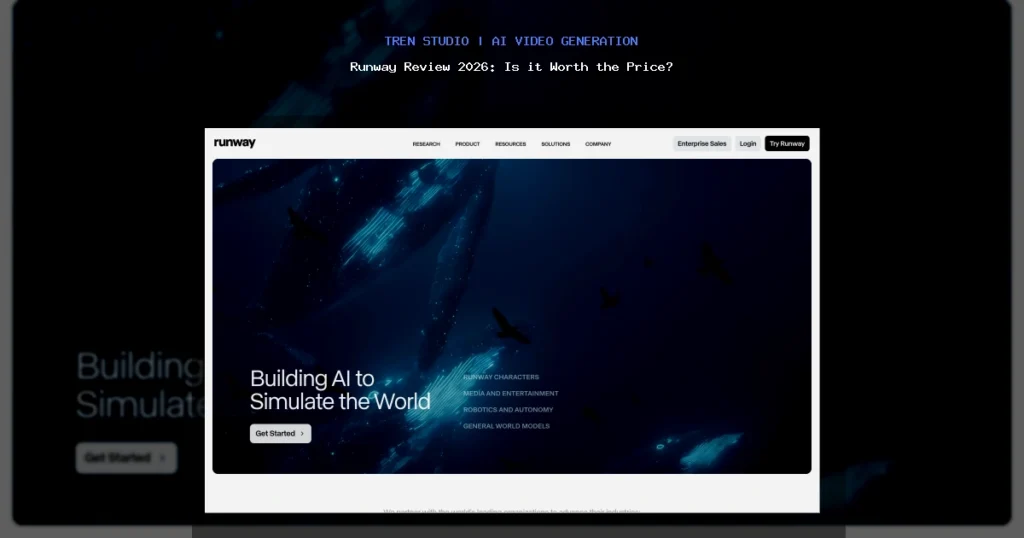
Runway is a cloud-based AI video creation and editing suite. It started as a research lab and has evolved into a full-blown creative platform. At its core, you get text-to-video, image-to-video, video-to-video style transfer, inpainting, motion brush, and a surprisingly robust timeline editor. Unlike competitors that focus solely on generation, Runway tries to be an end-to-end production environment. The latest Runway Gen-4 model promises better temporal consistency, higher resolution (up to 1080p native), and significantly reduced flickering artifacts.
For context, I’ve also been testing Pika Labs and Luma Dream Machine side-by-side, but Runway remains the most feature-dense option.
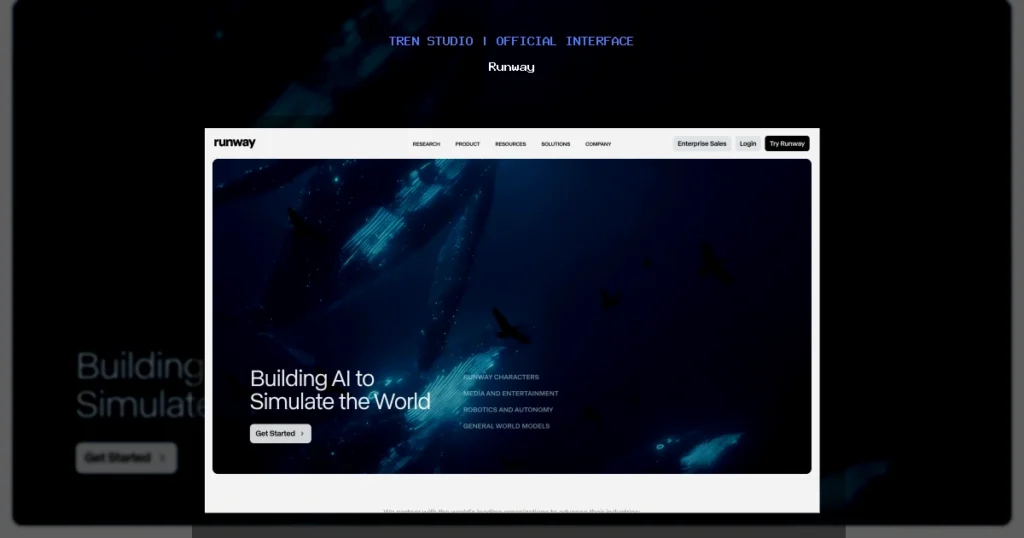
Runway Interface
Hardware Recommendation: Dell S2722QC 27 inch 4K monitor

Dell 27 Plus 4K Monitor - S2725QS - 27-inch 4K (3840 x 2160) 120Hz 16:9 Display, IPS Panel, AMD FreeSync Premium, sRGB 9...
Check Price on AmazonMy Testing Notes: What Worked, What Failed
I ran over 200 generations across three different project types: a 30-second brand commercial, a cinematic short film sequence, and a simple explainer video. Here’s the raw, unfiltered truth.
What Worked
- Temporal Consistency (Gen-4): This is the biggest leap. Older models made characters’ faces morph into different people every 2 seconds. Gen-4 holds a consistent face, lighting, and background across longer clips (up to 10 seconds). I generated a woman walking through a rainy street, and her coat’s reflections stayed coherent—a massive win.
- Motion Brush: The ability to paint specific areas of an image and animate them (e.g., making only the river flow while the mountains stay static) is incredibly intuitive. It saved me hours of rotoscoping.
- Inpainting/Outpainting: Fixing a weird hand or removing an unwanted object is dead simple. I used it to remove a distracting lamppost from a generated scene, and it took 30 seconds.
- Green Screen Keying: The built-in chroma key tool is surprisingly accurate for an AI-first platform. I pulled a clean key from a poorly lit shot, which is usually a nightmare.
What Failed (and Frustrated Me)
- Prompt Adherence (Still Inconsistent): I typed “a fluffy cat wearing a top hat, drinking espresso, photorealistic, 4K.” The AI gave me a cat with a top hat, but the espresso cup looked like a weird blob. Fine details (hands, text, complex objects) are still a coin flip. You need to be a prompt engineer, not just a creative.
- Watermark on Free/Starter Plans: Every export has a faint but visible Runway watermark unless you’re on the Pro plan or above. For client work, this is a dealbreaker.
- Export Times: A 10-second, 1080p clip took an average of 7–12 minutes to render. The queue system is slow during peak hours (US afternoons).
- No Native 4K Export: Despite marketing, native 4K output is still not available for most users. You get 1080p upscaled via their AI, which introduces softness.
- Audio Sync: The lip-sync feature (for characters speaking) is barely usable. It works for single words but fails on full sentences. Stick to background music and voiceovers.
Pricing Analysis: Is It Worth the Price?
Runway’s pricing has shifted in 2026. Here’s the breakdown as of my testing date:
- Free Plan: 125 credits (about 25 seconds of video total). Watermarked. Honestly, just for testing.
- Standard ($15/month): 625 credits, 1080p export, no watermark. Good for solo creators experimenting.
- Pro ($35/month): 2,250 credits, priority rendering, longer exports. This is the sweet spot for freelancers.
- Unlimited ($95/month): Unlimited standard generations (with a fair use cap), highest priority. For agencies.
- Enterprise (Custom): API access, custom models, dedicated support.
My Take: The Pro plan at $35/month is the only one that makes sense for serious work. The Standard plan runs out of credits shockingly fast—I burned through 625 credits in two days of heavy testing. However, compare this to hiring a freelance animator ($500+ per minute) or renting a render farm, and the value proposition becomes clear. If you’re a solo YouTuber or a small agency producing short-form content (TikTok, Instagram Reels, YouTube Shorts), Runway will pay for itself in saved time. If you’re a feature film editor doing long-form narrative work, you’ll hit the credit wall hard.
For hardware, I strongly suggest pairing Runway with a high-quality monitor. The Dell UltraSharp U2723QE (4K, IPS Black panel) is what I used—it gives you accurate color reproduction for judging AI outputs. If you’re on a budget, the BenQ PD2725U is a solid alternative.
Pros & Cons
Pros
- Best-in-class temporal consistency (Gen-4).
- All-in-one suite: generation, editing, keying, inpainting.
- Motion Brush and Image-to-Video are genuinely powerful.
- Active community and frequent model updates.
- Cloud-based: no need for a high-end GPU.
Cons
- Expensive at scale (credit system is limiting).
- Fine detail prompt adherence is unreliable.
- Slow export times during peak hours.
- Lip-sync and audio features are weak.
- Watermark on lower tiers is aggressive.
Final Verdict
Runway is the most complete AI video tool I’ve used in 2026, but it’s not a magic wand. It excels at rapid prototyping, short-form content, and visual effects that would take hours in After Effects. It fails when you need pixel-perfect control, long-form consistency, or high-fidelity character animation. If you’re a content creator, social media manager, or indie filmmaker with a budget for the Pro plan, it’s absolutely worth it. If you’re a traditional editor expecting a plug-and-play replacement for Premiere Pro, you’ll be disappointed.
My recommendation: sign up for the free tier, test it with your specific use case (don’t just generate cats), and upgrade only if the results match your quality bar. The technology is impressive, but the hype still exceeds the reality.