Looking for a broader overview? Check out our comprehensive guide on AI Search & Research 2026: Everything You Need to Know.
| Feature | ChatGPT | Google Gemini | Perplexity | You.com |
|---|---|---|---|---|
| Free Plan | ✓ | ✓ | ✗ | ✗ |
| Pro Price | $20/mo | $19.99/mo | — | — |
| Elite Price | $25/mo | $30/mo | — | — |
| API Access | ✓ | ✓ | ✗ | ✗ |
| Rating | 4.8/5 | 4.6/5 | 4.5/5 | 4.5/5 |
| Get Started | Visit ChatGPT | Visit Google Gemini | Visit Perplexity | Visit You.com |
Introduction
If you’re a researcher, student, or analyst, you already know the pain of wading through PDFs, parsing conflicting data, and trying to synthesize information from a dozen open tabs. The promise of AI for research isn’t just about summarizing articles—it’s about changing how we discover, validate, and connect knowledge. I’ve spent the last month testing the four major players in this space: ChatGPT, Google Gemini, Perplexity, and You.com. This is not a list of features; it’s a report on what actually works, what frustrates, and which tool you should pay for (if any).
ChatGPT: The Reasoning Heavyweight
- Best natural language understanding
- Huge plugin ecosystem
- Free tier available
- GPT-4o included in Plus
- Can hallucinate
- Rate limits on free tier
- No real-time web on free

Unique Selling Proposition: Deep reasoning and multi-step analysis. ChatGPT (especially the GPT-4o and o1 models) excels at breaking down complex research questions into logical steps. It’s less about real-time search and more about synthesizing information you already have or feeding it documents for analysis.
Ideal Use Case: Literature review synthesis, data analysis from uploaded files (PDFs, CSVs), and brainstorming research hypotheses. If you need to compare two methodologies or generate a structured outline for a paper, this is your tool.
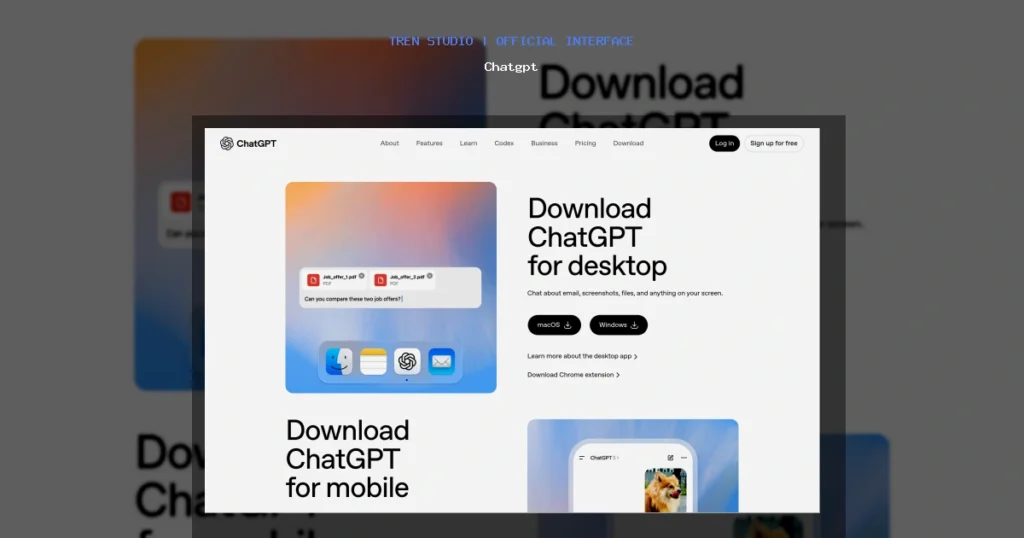
Chatgpt Interface
Hardware Recommendation: Dell S2722QC 27 inch 4K monitor

Pricing: Free tier (limited GPT-3.5/4o-mini). ChatGPT Plus is $20/month for access to GPT-4o and higher message limits. The Pro tier ($200/month) unlocks the full o1 reasoning model, which is genuinely impressive but overkill for most researchers.
My Experience: I uploaded a 40-page PDF on quantum computing error correction. ChatGPT summarized it in under a minute and then answered follow-up questions about specific gate implementations with surprising accuracy. The downside? It hallucinated a citation—a paper that simply doesn’t exist. You must verify everything.
Testing Notes: The file upload feature is a game-changer, but the context window (128k tokens) fills up fast with large documents. For long research projects, I found myself having to start new conversations. Also, the lack of inline citations in the free tier is a dealbreaker for academic work.
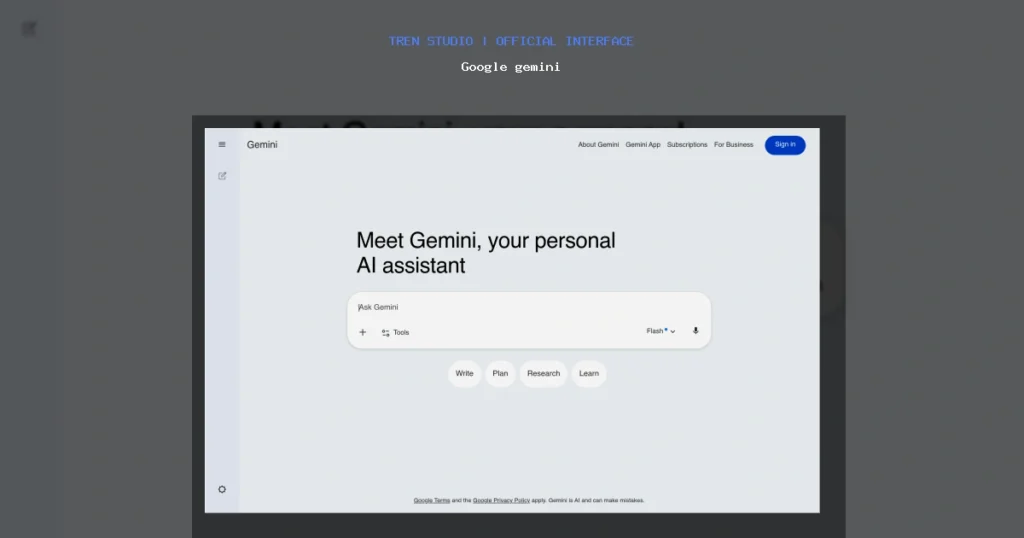
Google gemini Interface
Verdict: Best for deep analysis, but not a primary search tool. Use it as a research assistant, not a search engine.
Google Gemini: The Context Window King
- Free 1M-token context window
- Integrated with Google Docs & Gmail
- Real-time Google Search grounding
- Strong coding with Jules
- Weaker creative writing vs GPT-4
- Less plugin ecosystem
- Requires Google account

Unique Selling Proposition: Massive context window (1 million tokens in the Advanced tier) and seamless integration with Google Workspace. Gemini can ingest entire books or codebases and answer questions about them. Its strength is in handling vast amounts of text without losing coherence.
Ideal Use Case: Analyzing long-form documents, extracting data from multiple PDFs at once, and leveraging Google’s search index for current information. It’s also excellent for researchers embedded in the Google ecosystem (Docs, Sheets, Gmail).
Pricing: Free tier (Gemini Pro 1.5 with limited context). Gemini Advanced is $19.99/month (part of Google One AI Premium) and unlocks the 1M token context window and integration with Gmail and Drive.
My Experience: I fed Gemini the entire transcript of a 6-hour conference (about 500 pages). It extracted key themes, speaker disagreements, and actionable insights. The context window is not a gimmick—it works. However, Gemini’s reasoning is shallower than ChatGPT’s. When I asked it to critique a methodology, it gave me a generic answer that missed a critical flaw.
Testing Notes: The Google Search grounding feature is hit or miss. Sometimes it pulls from authoritative sources; other times it uses forum posts. You need to manually check the “double-check” responses feature. Also, the UI feels cluttered compared to Perplexity.
You com Interface
Verdict: Unbeatable for massive document analysis. Weak on deep reasoning. If you live in Google Workspace, it’s a no-brainer.
Perplexity: The Citation Machine
Unique Selling Proposition: Real-time, cited answers. Perplexity is the only tool on this list that treats source verification as a core feature. Every answer comes with inline citations from web pages, PDFs, and academic databases. It’s essentially a research-grade search engine built on LLMs.
Ideal Use Case: Fact-checking, literature discovery, and getting quick, sourced answers to specific questions. Perfect for anyone who needs to cite sources in their work (students, journalists, analysts).
Pricing: Free tier (limited queries, basic models). Perplexity Pro is $20/month (unlimited queries, GPT-4, Claude 3, and custom models). The Pro tier also supports file uploads and longer context.
My Experience: I asked Perplexity to “find recent papers on CRISPR delivery using lipid nanoparticles, published after 2023.” It returned 7 relevant papers with direct links to PubMed and arXiv. The citations were accurate and the summaries were concise. This is the tool I now use for initial literature searches.
Testing Notes: The “Collections” feature lets you organize research into folders—useful for multi-topic projects. However, Perplexity struggles with nuance. If you ask a controversial or ambiguous question, it tends to present the most common viewpoint rather than exploring the debate. Also, the free tier is extremely limited (only 5 Pro searches every 4 hours).
Verdict: The best tool for verified, real-time research. Not ideal for deep analysis or creative synthesis.
You.com: The Privacy-Focused Customizer
Unique Selling Proposition: Privacy-first design and model customization. You.com lets you choose between multiple underlying models (GPT-4, Claude, Llama) and offers a “private mode” that doesn’t log your queries. It also has a unique “Apps” system where you can create custom AI tools for specific research tasks.
Ideal Use Case: Researchers handling sensitive data (e.g., medical records, proprietary business information) who need model flexibility. Also good for power users who want to compare outputs from different LLMs in one interface.
Pricing: Free tier (limited queries, basic models). YouPro is $14.99/month (unlimited queries, access to GPT-4 and Claude 3, private mode). The “Team” plan is $29.99/user/month with admin controls.
My Experience: I used You.com to analyze a confidential market research report. The private mode gave me peace of mind. I also appreciated being able to switch between GPT-4 and Claude 3 mid-conversation to compare their analyses. However, the search results are often less comprehensive than Perplexity’s. The citations are there, but they’re not as polished or well-organized.
Testing Notes: The “YouCode” app is surprisingly good for programming-related research. The UI is clean but can feel sparse compared to the others. Also, the free tier is very restrictive—you’ll hit the query limit quickly.
Verdict: Best for privacy-conscious researchers or those who need to switch between models. Not the strongest for raw search quality.
Buying Guide: How to Choose the Right AI Research Tool
Choosing the right tool depends on your workflow, budget, and specific needs. Here’s a decision framework:
- If you need deep analysis and reasoning: Go with ChatGPT (Plus or Pro). It’s the best at synthesizing complex information and handling multi-step questions. Pair it with a good monitor like the Dell UltraSharp U2723QE for reading PDFs—it has a 4K resolution and excellent color accuracy for long reading sessions.
- If you work with massive documents or live in Google Workspace: Google Gemini Advanced is your best bet. The 1M token context window is unmatched. A comfortable keyboard like the Logitech MX Keys S will make those long typing sessions more bearable.
- If you prioritize source verification and real-time search: Perplexity Pro is the clear winner. It’s the only tool that makes citations feel native. For heavy research, consider a Logitech MX Master 3S mouse—the horizontal scroll wheel is great for navigating long documents.
- If you handle sensitive data or need model flexibility: You.com Pro is the safest choice. The private mode is a genuine differentiator. A mechanical keyboard like the Keychron K8 Pro can improve your typing experience if you’re spending hours querying models.
For most researchers, I recommend a combination: Perplexity Pro for discovery and fact-checking, plus ChatGPT Plus for deep analysis. That’s $40/month total, which is a bargain if it saves you even a few hours of manual research.
FAQ
Q: Which AI research tool is the most accurate?
A: None are perfectly accurate. Perplexity has the best citation system, making it easier to verify claims. ChatGPT and Gemini are more prone to hallucination, especially with niche topics. Always double-check critical facts against primary sources.
Q: Can I use these tools for academic research and get proper citations?
A: Yes, but with caution. Perplexity directly provides citations in APA/MLA format. ChatGPT and Gemini can generate citations, but they often invent them. Use a reference manager like Zotero alongside these tools.
Q: Do I need to pay for a subscription?
A: For serious research, yes. The free tiers are too limited (query caps, basic models, no file uploads). Perplexity Pro ($20/month) or ChatGPT Plus ($20/month) are the best value. Google Gemini Advanced ($19.99/month) is worth it if you use Google Workspace extensively.
Q: Are these tools safe for confidential research?
A: Only You.com offers a true private mode that doesn’t log queries. ChatGPT and Perplexity may use your data for training (opt-out available in settings). Google Gemini’s data handling is governed by Google’s privacy policy. Never upload proprietary or sensitive data without checking the specific tool’s privacy terms.
Q: Which tool is best for finding recent papers?
A: Perplexity, by a wide margin. It searches the web in real-time and links directly to PubMed, arXiv, and other databases. ChatGPT and Gemini rely on training data that may be months old unless you manually enable web search.
Q: Can I upload PDFs and analyze them?
A: Yes, all four tools support file uploads, but the experience varies. ChatGPT handles PDFs well but has a smaller context window. Gemini can handle massive documents. Perplexity’s file upload is decent but limited in the free tier. You.com supports uploads but the analysis is less sophisticated.
Chatgpt vs Google gemini
2026’s Ai For Research
Chatgpt
Research workflow- Source discovery
- Answer quality
- Daily research fit
Google gemini
Broad AI assistant- Workspace-aware drafting
- Multimodal prompts
- Good for broad exploration
Choose based on whether you need trusted sources, a broad assistant, or the fastest daily research loop.