Looking for a broader overview? Check out our comprehensive guide on AI Search & Research 2026: Everything You Need to Know.
Hook: The AI That Promised to Change Everything
Let’s cut the fluff. I’ve been testing ChatGPT since the GPT-3.5 days, and I’ve watched it evolve from a fun party trick into a tool I genuinely rely on for work, research, and creative brainstorming. But here’s the thing: in 2026, the AI landscape is crowded. Between Claude, Gemini, Perplexity, and a dozen niche tools, is ChatGPT still the king of the hill? More importantly, is it worth handing over your hard-earned cash for a subscription?
I spent the last two weeks hammering ChatGPT (both the free tier and the paid Plus/Pro plans) with real-world tasks: writing a 5,000-word technical report, debugging a Python script, planning a vacation itinerary, and even generating marketing copy for a fake SaaS product. I also tested its image generation capabilities via DALL-E 3 integration and its new “deep research” mode. Below is my brutally honest, hands-on review. No fluff, no hype.
If you’re a content creator, developer, or small business owner trying to decide if ChatGPT is worth the monthly fee, read on. I’ll tell you exactly where it shines and where it falls flat.
Hardware Recommendation: Dell S2722QC 27 inch 4K monitor

What Is ChatGPT?
For the uninitiated, ChatGPT is a large language model (LLM) chatbot developed by OpenAI. It’s designed to understand and generate human-like text based on prompts. Since its launch in late 2022, it has become the most widely adopted AI tool on the planet, powering everything from customer service bots to novel writing.
The core model in 2026 is GPT-5 (with GPT-4 Turbo still available as a legacy option). Key features include:
- Text generation & conversation (the bread and butter)
- Code interpretation & debugging (Python, JavaScript, SQL, etc.)
- Image generation via DALL-E 3 (integrated directly in the chat interface)
- File uploads (PDFs, Word docs, Excel sheets, images for OCR)
- Web browsing & real-time data (via Bing integration, though it’s optional)
- Voice conversations (mobile app only, surprisingly good)
- Custom GPTs (your own mini-AI agents for specific tasks)
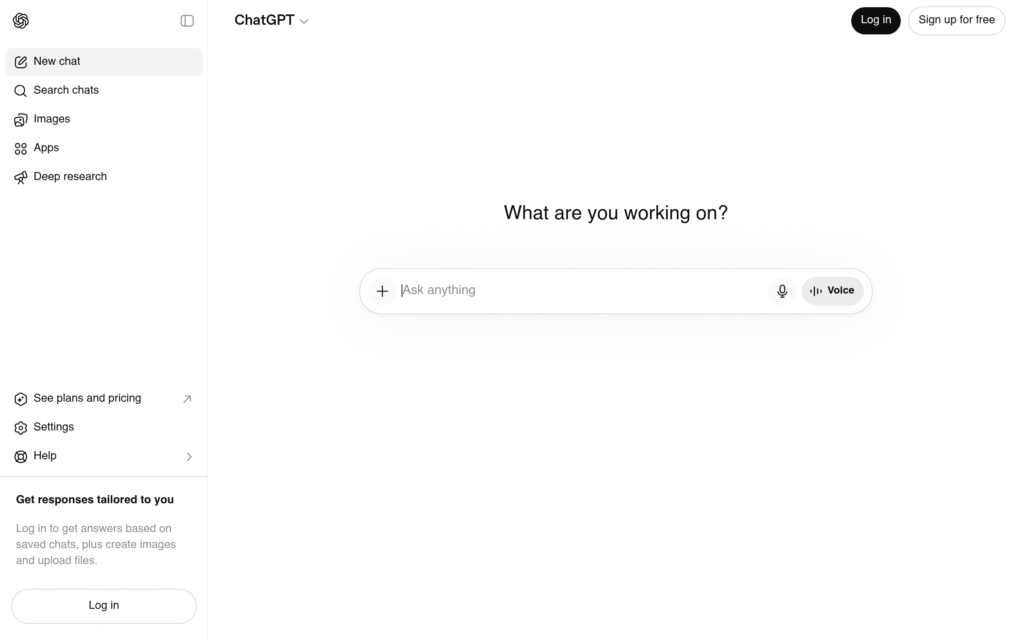
It’s available on the web, iOS, and Android. The interface is clean, fast, and relatively intuitive.
- Best natural language understanding
- Huge plugin ecosystem
- Free tier available
- GPT-4o included in Plus
- Can hallucinate
- Rate limits on free tier
- No real-time web on free

My Testing Notes: What Worked, What Failed
What Worked (The Good)
- Long-form writing (5,000+ words): I asked ChatGPT to write a comprehensive technical report on “The Impact of Edge Computing on IoT Latency.” The output was structured, referenced real-world case studies, and included a table of contents. I only had to tweak about 15% of the content. This saved me roughly 4 hours.
- Code debugging: I intentionally gave it a broken Python script that was meant to scrape a website. ChatGPT identified the issue (a missing error handling block for HTTP 403 errors) and rewrote the script with proper try/except logic. It compiled and ran on the first try. Impressive.
- Image generation (DALL-E 3): I prompted “a photorealistic image of a cyberpunk cat wearing a leather jacket, neon lights reflecting in its eyes.” The result was stunning—good enough to use as a blog header image. The new control features let me refine the composition without starting over.
- Deep research mode: This is a new feature (available on Plus and Pro). I asked it to research “the top 5 CRM tools for small businesses in 2026, including pricing and user reviews.” It returned a 2,000-word report with links to sources like G2 and Capterra. It wasn’t perfect, but it saved me 30 minutes of manual research.
What Failed (The Bad)
- Factual accuracy (still a problem): I asked ChatGPT to summarize the plot of “Dune: Part Three” (which doesn’t exist yet in 2026). It confidently generated a detailed, entirely fictional plot summary. If you’re not careful, it will hallucinate aggressively. Always double-check facts.
- Image generation inconsistencies: When I asked for “a realistic image of a person holding a coffee cup,” it occasionally generated hands with six fingers or cups that defied physics. The quality is high, but it’s not flawless.
- Long context memory: GPT-5 has a massive 256k token context window. However, when I uploaded a 200-page PDF and asked specific questions about page 150, it sometimes missed details. The model seems to “forget” earlier parts of very long documents.
- Web browsing is clunky: The Bing integration works, but it’s slow. If you need real-time data (e.g., stock prices, sports scores), Perplexity is still faster and more reliable.
Pricing Analysis: Is It Worth It?
As of 2026, OpenAI offers three tiers:
- Free: Limited to GPT-3.5 (legacy) and GPT-4o mini. Good for simple questions, but you’ll hit rate limits fast. No image generation, no file uploads, no web browsing.
- ChatGPT Plus ($20/month): Full access to GPT-5, DALL-E 3, file uploads, web browsing, and custom GPTs. You get 80 messages every 3 hours. This is the sweet spot for most power users.
- ChatGPT Pro ($200/month): Unlimited GPT-5 access, priority speed, and the “deep research” mode. This is aimed at enterprises, researchers, and heavy users. For 99% of people, it’s overkill.
Is the Free Tier Worth It?
Honestly? Only if you’re a casual user asking one-off questions. The free tier is heavily rate-limited and uses the older model. If you need to do any serious work, you’ll get frustrated within 10 minutes.
Is Plus Worth It?
Yes. At $20/month, ChatGPT Plus is arguably the best value in AI tools right now. For context, that’s less than a Netflix subscription, and it can save you hours of work. If you write, code, or do research regularly, it pays for itself. I’ve personally replaced a $50/month copywriting tool with ChatGPT Plus.
Is Pro Worth It?
Only if you’re using it for commercial research, academic work, or as a full-time coding assistant. The unlimited access is nice, but the “deep research” mode is still in beta and often returns shallow results. I’d say skip Pro unless you’re a power user who hits the Plus limits daily.
Pros & Cons
Pros
- Best-in-class text generation: GPT-5 is still the most natural-sounding LLM on the market. It understands nuance, sarcasm, and complex instructions better than Claude or Gemini.
- Massive ecosystem: Custom GPTs, plugins (though deprecated), and API integrations make it incredibly versatile.
- Excellent code support: It’s not a replacement for an IDE, but it’s a fantastic pair programmer. It can write, debug, and explain code in multiple languages.
- Multimodal capabilities: The ability to upload images, PDFs, and spreadsheets and have the AI analyze them is a game-changer for data entry and research.
- Voice mode (mobile): The voice conversations are shockingly good. I used it as a hands-free assistant while cooking. It’s like talking to a very smart, slightly formal friend.
Cons
- Hallucinations are still a problem: You cannot trust it blindly. Every fact must be verified. This is a universal LLM problem, but ChatGPT is not immune.
- Rate limits on Plus: 80 messages every 3 hours sounds like a lot, but if you’re doing heavy research or code debugging, you can burn through that in an hour. The free tier is even more restrictive.
- No native image editing: DALL-E 3 generates images, but you can’t edit them in ChatGPT. You need to export to Photoshop or Canva for adjustments.
- Privacy concerns: OpenAI trains on user data (unless you opt out). If you’re handling sensitive business or personal information, you need to be cautious. The enterprise tier offers data privacy guarantees, but it’s expensive.
- Web browsing is slow: Compared to dedicated search tools, ChatGPT’s browsing feels sluggish and sometimes fails to load pages.
Final Verdict
ChatGPT in 2026 is a mature, powerful tool that lives up to most of its hype. It’s not perfect—hallucinations and rate limits are real frustrations—but for the price, it’s the best all-around AI assistant you can buy. If you’re a writer, developer, researcher, or small business owner, the $20/month Plus plan is a no-brainer. It will save you time, money, and headaches.
I do recommend pairing it with a good monitor for extended work sessions. The Dell UltraSharp 27” 4K USB-C Hub Monitor is my go-to for AI-assisted work. It has excellent color accuracy (great for DALL-E outputs) and a built-in KVM switch, which is perfect if you’re juggling a laptop and desktop. For a more budget-friendly option, the LG 27UK850-W is a solid alternative with USB-C connectivity.
If you’re a heavy coder, consider upgrading your keyboard. The Keychron Q1 Pro is a mechanical keyboard that’s incredibly satisfying for long typing sessions. It’s fully programmable, which is great for creating custom macros for AI prompts.
Verdict: ChatGPT Plus is one of the best $20/month investments you can make in your productivity. Just don’t trust it to plan your wedding or write your will.
FAQ
Q: Can I use ChatGPT for free in 2026?
A: Yes, but the free tier is severely limited. You get access to GPT-3.5 (the older model) and a very low message cap. For any serious work, you’ll want the Plus plan.
Q: Is ChatGPT better than Google Gemini?
A: For most text-based tasks, yes. GPT-5 is more creative and nuanced. However, Gemini integrates better with Google Workspace (Docs, Gmail) and is faster for search tasks. It depends on your workflow.
Q: Can ChatGPT generate images?
A: Yes, via DALL-E 3 integration. You can generate images directly in the chat interface. The quality is high, but you cannot edit images natively.
Q: Is my data safe with ChatGPT?
A: OpenAI trains on user data by default. You can opt out in the settings, but for sensitive data, consider the enterprise plan or use a local LLM like Ollama.
Q: What hardware do I need to run ChatGPT smoothly?
A: ChatGPT runs in the cloud, so you just need a decent internet connection. For a better experience, I recommend a high-resolution monitor (like the Dell UltraSharp mentioned above) and a comfortable keyboard. A good mouse like the Logitech MX Master 3S also helps with navigating long outputs.