Looking for a broader overview? Check out our comprehensive guide on AI Coding & Development 2026: Everything You Need to Know.
| Feature | Cursor | Replit |
|---|---|---|
| Free Plan | ✗ | ✗ |
| Pro Price | — | — |
| Elite Price | — | — |
| API Access | ✗ | ✗ |
| Rating | 4.5/5 | 4.5/5 |
| Get Started | Visit Cursor | Visit Replit |
Introduction
Let’s cut the hype: choosing an AI coding assistant in 2026 isn’t about which one writes the most Python. It’s about which one fits your workflow, respects your context window, and doesn’t hallucinate a fake API call when you’re two hours from a deadline. I’ve spent the last six months living inside two of the most talked-about AI IDEs—Cursor and Replit—across a mix of side projects, client work, and a few “move fast and break things” prototypes.
This isn’t a theoretical comparison. I’ve burned through trial credits, hit token limits, and yes, yelled at my monitor. Here’s the unfiltered breakdown of what each tool actually delivers, where it falls short, and how to decide which one belongs in your daily driver.
Cursor: The Power User’s Copilot on Steroids
If you’ve ever wished VS Code could read your mind and then write the code before you finish typing, Cursor is that. It’s a fork of VS Code, so the muscle memory transfers instantly—keybindings, extensions, themes, all of it. But the AI layer is what makes it different. Cursor uses a combination of GPT-4o, Claude 3.5 Sonnet, and its own fine-tuned models to offer multi-line completions, inline edits, and a chat interface that actually understands your entire codebase.
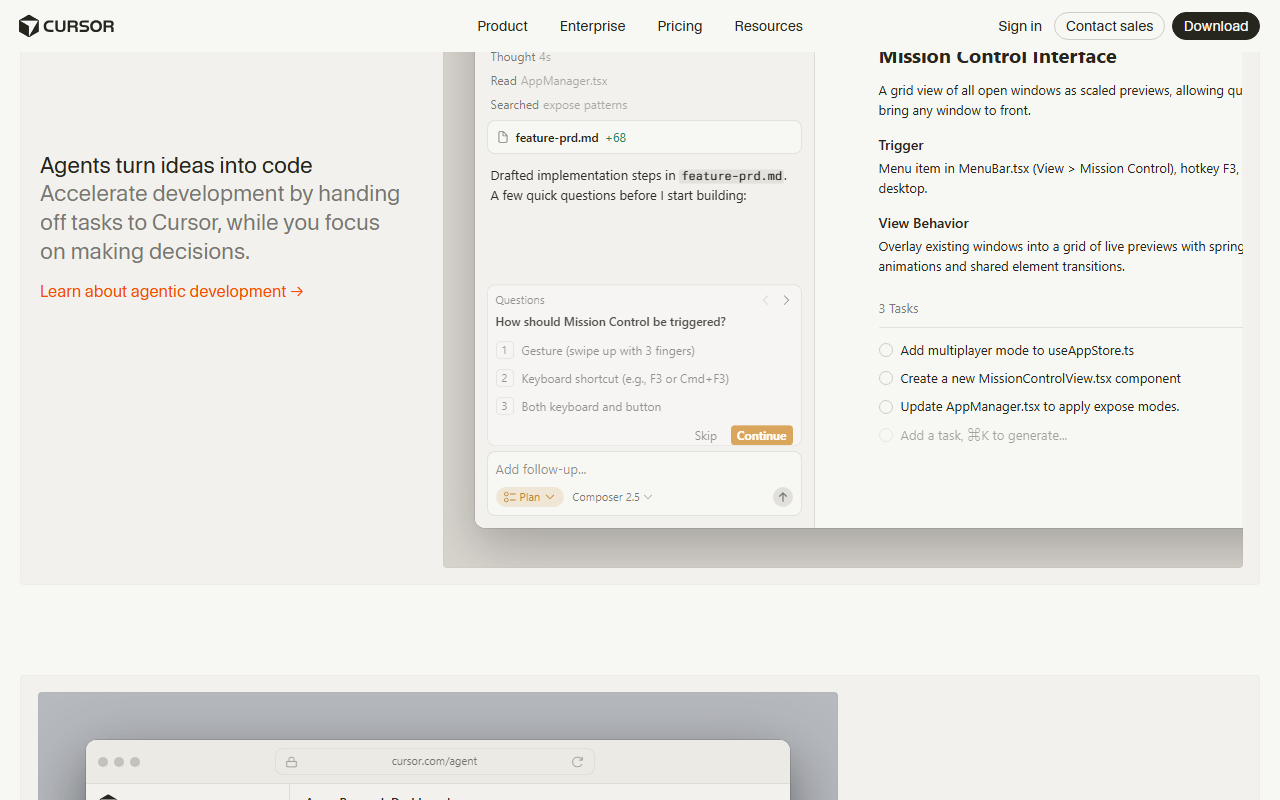
Cursor Interface
Hardware Recommendation: Dell S2722QC 27 inch 4K monitor

Unique Selling Proposition: The “composer” mode lets you refactor an entire file or project from a single prompt. I used this to migrate a legacy jQuery plugin to vanilla TypeScript in under ten minutes. It wasn’t perfect—I had to fix two edge cases—but it saved me hours of manual grep-and-replace.
Ideal Use Case: Professional developers working on medium-to-large codebases who need deep context awareness. If you’re bouncing between a monorepo with five microservices, Cursor’s ability to index your entire project is a game-changer.
Pricing: Free tier gives you 2000 completions per month and basic chat. Pro is $20/month (unlimited completions, all models, priority access). Business is $40/user/month with centralized billing.
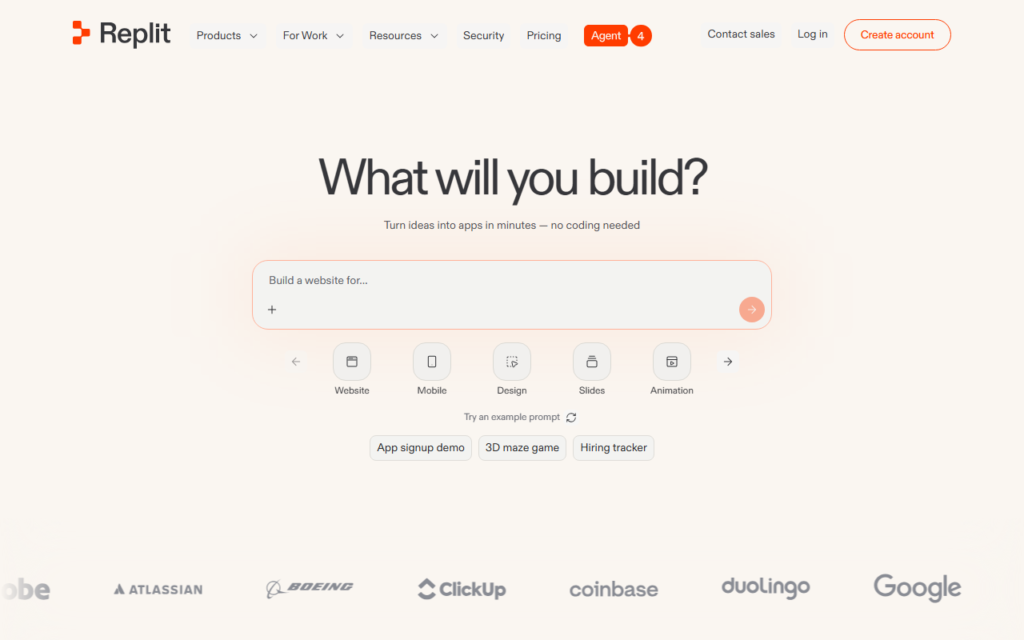
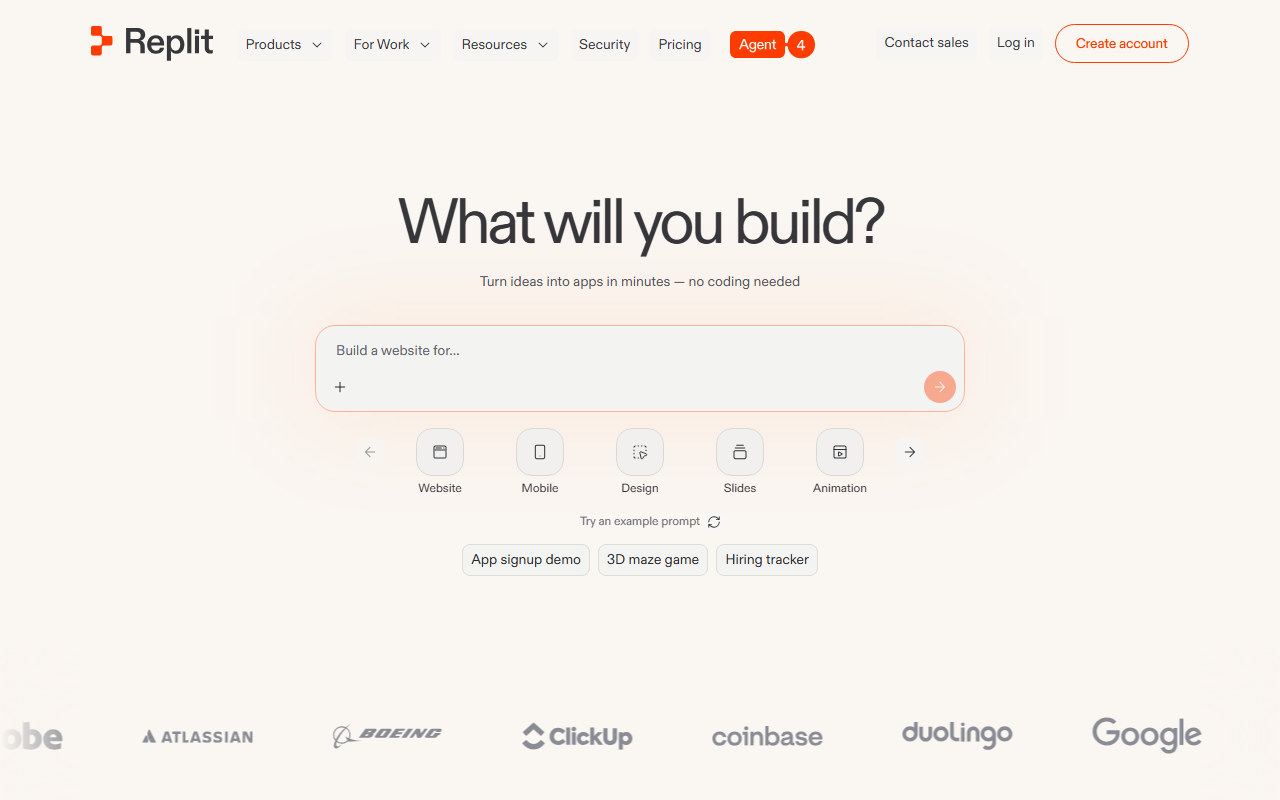
Replit Interface
Testing Notes: I ran Cursor on a 2023 MacBook Pro with M3 Max and 64GB RAM. The AI suggestions were snappy—sub-500ms for single-line completions. The real test was a 50,000-line React Native app. Cursor indexed it in about four minutes. The chat could answer questions like “find all places where we mutate the user object without validation” and actually return accurate file paths. However, I noticed that when the context window got too large (think 10+ files open), the model started dropping references. A quick restart of the AI process fixed it.
My Experience: I’m a Cursor daily driver for my freelance work. The “apply diff” feature is my favorite—it shows a side-by-side diff of the suggested change before committing. I’ve caught three bugs that way that a blind “accept” would have introduced. The biggest downside? It’s resource-hungry. On a 16GB RAM Windows machine, I had to close Chrome tabs to keep it snappy. Also, the free tier runs out fast if you’re doing heavy lifting.
Verdict: 9/10 for experienced devs. The learning curve is shallow if you know VS Code. The only reason it’s not a 10 is the occasional context loss and the RAM appetite.
Replit: The Zero-Friction Cloud IDE That Just Works
Replit has evolved far beyond its “code in a browser” origins. In 2026, it’s a full-blown AI-native development environment with a built-in agent (called “Replit Agent”) that can scaffold entire apps from a single sentence. I typed “build a CRUD app for tracking board game scores with a SQLite backend” and it generated a working Flask app in about 90 seconds. It wasn’t production-ready—the CSS was ugly and the error handling was minimal—but it was functional.
Unique Selling Proposition: Zero setup. You open a browser tab, pick a template (or start blank), and you’re coding in 15 seconds. The AI agent understands your whole environment—it can install packages, run terminal commands, and even deploy to Replit’s hosting with one click.
Ideal Use Case: Beginners learning to code, rapid prototyping, hackathons, and anyone who hates managing local environments. If you’ve ever spent an afternoon debugging a Python virtual environment, Replit will feel like a religious experience.
Pricing: Free tier includes 500 MB storage, basic AI completions, and community support. Hacker plan is $25/month (unlimited private repls, faster CPU, more AI credits). Pro is $50/month (more compute, team features, advanced AI models).
Testing Notes: I tested Replit on a cheap Chromebook with 8GB RAM and an Intel N100 processor. It ran smoothly—the heavy lifting happens on Replit’s servers. The AI agent was surprisingly good at understanding multi-step instructions. I asked it to “add user authentication with JWT tokens and password hashing” and it modified three files, installed bcrypt, and updated the database schema. The terminal output was live-streamed, so I could see exactly what it was doing. One frustration: the AI agent sometimes over-engineers solutions. I asked for a simple CSV parser and it generated a class-based architecture with error handling for 15 edge cases. Useful for production, overkill for a one-off script.
My Experience: I use Replit for all my quick experiments and teaching demos. The collaboration feature is excellent—I can share a link and a junior dev can edit the same file in real-time without any setup. The biggest limitation is the offline story: if you lose internet, you lose your workspace. Also, the free tier’s 500 MB fills up fast if you’re using Node.js modules. I had to delete old repls twice a week to stay under the limit.
Verdict: 8/10 for beginners and prototypers. It loses points for the internet dependency and the sometimes-overzealous AI agent. But for speed of iteration, nothing beats it.
Buying Guide: How to Choose the Right AI IDE
You don’t need both. Here’s how to decide based on your actual workflow.
Consider Your Local vs. Cloud Preference
If you have a powerful machine (16GB+ RAM, modern CPU/GPU) and you want full control over your environment, Cursor is the obvious choice. It’s a local IDE with cloud-powered AI, so you get the best of both worlds—fast local editing with smart completions. If you’re on a low-end device or you switch machines frequently, Replit eliminates environment headaches entirely. Just be ready for the internet dependency.
Think About Your Project Size
For small projects (under 10,000 lines of code), both tools work well. For large monorepos or legacy codebases, Cursor’s project indexing is superior. Replit’s agent can handle big projects, but I found it started to slow down and lose context when the codebase exceeded 30,000 lines. If you’re building a microservice or a simple web app, Replit will get you to MVP faster. If you’re maintaining a production system, Cursor’s precision matters more.
Evaluate Your Budget and Team
Cursor’s $20/month Pro is a steal for individual developers who write code daily. Replit’s $25/month Hacker plan is comparable, but you get more compute and the agent. For teams, Cursor’s $40/user/month Business plan offers centralized billing, while Replit’s Pro at $50/user/month adds team features. If you’re a solo dev, go with the one that matches your environment preference. If you’re a team, demo both—the collaboration workflows are very different.
Hardware Considerations
Since both tools are heavy on AI inference, a good monitor and keyboard make a real difference. I use a Dell UltraSharp 27” 4K monitor for the extra screen real estate when reviewing AI diffs in Cursor. For typing comfort during long sessions, a Keychron Q1 Pro mechanical keyboard with hot-swappable switches has been a lifesaver. A good Logitech MX Master 3S mouse also helps with the precision needed when navigating large codebases.
FAQ
Frequently Asked Questions
Can I use Cursor offline?
Frequently Asked Questions
Does Replit support all programming languages?
Frequently Asked Questions
Which one is better for learning to code?
Frequently Asked Questions
Can I self-host either tool?
Frequently Asked Questions
How do the AI models compare?
Frequently Asked Questions
Is there a free trial for both?
Cursor vs Replit
2026’s Best Ai IDE
Cursor
Workflow assistant- Adoption speed
- Repeatable workflow
- Ops impact
Replit
Workflow assistant- Adoption speed
- Repeatable workflow
- Ops impact
Choose the option that removes the most repeated work from your actual day.