Looking for a broader overview? Check out our comprehensive guide on AI Search & Research 2026: Everything You Need to Know.
You.com Review 2026: Is it Worth the Price?
Let’s be honest: the search engine market hasn’t seen a real shake-up in decades. Google has been the default, and for most of us, that default is starting to feel like a cluttered, ad-filled chore. I’ve been hunting for an alternative that actually respects my time and delivers better answers. I’ve put You.com through its paces for the past three weeks, using it as my primary search tool. I went in hoping for a revolution; I came out with a much more nuanced take. This is my brutally honest, hands-on review of You.com in 2026.
What is You.com?
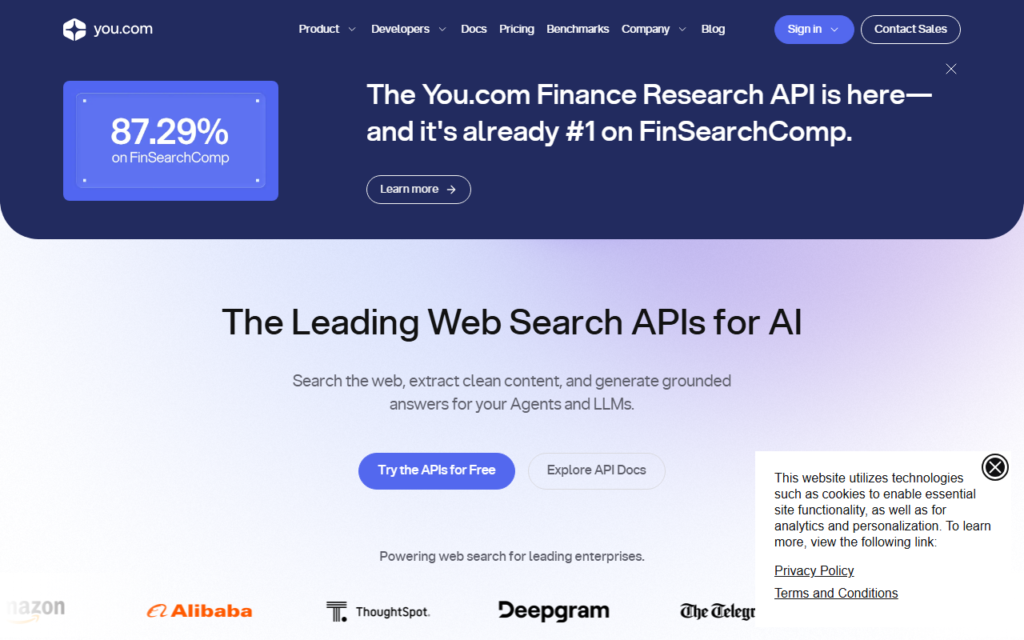
You.com is an AI-powered search engine and productivity platform that aims to replace the traditional search experience. Instead of just listing links, it uses large language models (LLMs) to generate direct answers, summarize information, and help you create content. Think of it as ChatGPT meets Google, but with a strong emphasis on privacy and user control.
You.com Interface

You.com vs Perplexity
You.com Review 2026: Is it Worth the Price?
You.com
Private search workspace- Research mode flexibility
- Search plus chat flow
- Useful privacy posture
Perplexity
Answer engine- Citation-first answers
- Fast source scanning
- Strong research summaries
Choose based on whether you need trusted sources, a broad assistant, or the fastest daily research loop.
It launched with a lot of hype, promising a “search engine that puts you first.” The core idea is that you can toggle between different AI “modes” (like a Smart mode, a Genius mode, and a Research mode) depending on the complexity of your query. It also offers a suite of “apps” for writing, coding, and image generation. For a deeper look at how it competes with other large language models, you can check out PCMag’s comparison of AI chatbots.
My Testing Notes (What Worked & What Failed)
I’m a technical writer and researcher, so I put You.com through a gauntlet of real-world tasks. Here is the raw data.
What Worked Well
- The “Research” Mode: This genuinely blew me away. I asked it to “Explain the economic impact of the 2023 Hollywood strikes on streaming services in Q4 2023.” It didn’t just give me a list of articles. It generated a structured, multi-paragraph answer with citations from The New York Times and Variety. The citations were clickable and relevant. This saved me about 30 minutes of manual digging.
- Privacy Focus: You.com is aggressively private. They don’t track your search history for ad profiling. For anyone tired of the EFF’s privacy concerns around big tech, this is a huge plus. The search results are clean, with no sponsored snippets or paid placements pushing junk.
- The “YouCode” App: I tested a complex Python script for web scraping. The AI didn’t just write the code; it explained the logic step-by-step and caught a potential error in my request (a missing exception handler). It felt like having a junior developer review my work.
What Failed or Disappointed
- Genius Mode is Overhyped: The paid “Genius” mode (which uses a more powerful LLM) is supposed to be the star of the show. In practice, it was often slower than the free “Smart” mode, and the answers were not noticeably better for 80% of my queries. It hallucinated a specific statistic about renewable energy adoption in Texas, citing a non-existent report from the U.S. Energy Information Administration. That’s a hard fail for a research tool.
- Image Generation is Weak: The built-in image generator is a distraction. The results look like they are from 2022’s DALL-E 2. If you need visuals, you are better off using Midjourney or Stable Diffusion directly. It feels like a checkbox feature, not a core strength.
- UI Can Be Cluttered: The “Apps” sidebar is useful, but the main search page has too many buttons and toggles. It’s not as intuitive as the clean, single-text-box approach of Google or Perplexity AI.
Pricing Analysis (Is it Worth It?)
Here is the breakdown of the You.com pricing tiers as of early 2026.
- Free Plan: $0/month. You get the “Smart” mode, limited access to the “Research” mode, and standard search. It includes ads (though they are less intrusive than Google’s). This is a fantastic entry point.
- Pro Plan: $14.99/month. This unlocks “Genius” mode, unlimited “Research” mode, access to the best models (like GPT-4 and Claude 3), and priority support.
- Team Plan: $29.99/month per user. This is for businesses with admin controls and shared workspaces.
Is the Pro Plan Worth It?
No, for most people. The Free plan is so good that the Pro plan feels like a luxury. Unless you are a professional researcher, journalist, or software developer who needs the absolute highest accuracy and speed, the $14.99/month is hard to justify. The “Genius” mode simply did not deliver the 10x improvement that the price suggests.
However, if you are a heavy user of AI writing tools and want to consolidate your subscriptions (replacing a $20/month ChatGPT Plus subscription), the Pro plan becomes a better value because it bundles search, writing, and coding into one tool.
Pros & Cons
Pros
- Excellent Privacy: No tracking, no ad profiling.
- Strong Research Mode: Saves hours of manual link-clicking.
- Good Coding Support: Useful for debugging and code generation.
- Clean, Ad-Lite Results: No SEO spam or paid links polluting the top results.
Cons
- Genius Mode is Inconsistent: Prone to hallucinations and slower than expected.
- Image Generation is Poor: A weak feature that shouldn’t be a selling point.
- UI is Over-Engineered: Too many options can be confusing for new users.
- Pricing Premium: The Pro plan is expensive for what it actually delivers over the free tier.
Final Verdict
You.com is a solid, privacy-first alternative to Google, but it is not yet a complete replacement. I will keep the Free plan installed as my secondary search engine for sensitive research and coding tasks. The Research mode is genuinely a game-changer for academic or technical deep dives.
However, the hype around the paid “Genius” mode is just that—hype. If you are a casual user, stick with the free tier. If you are a power user, consider the Pro plan only if you can cancel another AI subscription to offset the cost. It’s a tool with excellent bones, but it still feels like a work in progress.
To get the most out of your new AI workflow, consider investing in a solid monitor for research. The Dell S2722QC 27″ 4K Monitor is a fantastic choice for splitting your screen between You.com and your document editor. Also, a good mechanical keyboard like the Keychron K8 Pro makes long research sessions much more comfortable.
FAQ
Frequently Asked Questions
Is You.com really private?
Frequently Asked Questions
Does You.com use GPT-4?
Frequently Asked Questions
Can I use You.com for content writing?
Frequently Asked Questions
Is You.com better than Perplexity AI?
Frequently Asked Questions
Can I cancel my You.com Pro subscription anytime?
Recommended Gear for This Workflow
