Looking for a broader overview? Check out our comprehensive guide on AI Image Generation 2026: Everything You Need to Know.
It’s the Swiss Army Knife of Design—But Does It Actually Cut It?
Let’s be real. You’ve probably used Canva to throw together a quick Instagram graphic or a last-minute presentation. We all have. It’s the tool you don’t think about until you absolutely need it. But in 2026, Canva isn’t just a drag-and-drop design tool anymore. It’s a full-blown AI powerhouse. And with that power comes a new price tag.
I’ve spent the last two weeks living inside Canva AI. I tested every new feature, pushed its limits, and tried to break it. Here’s the unfiltered truth about whether you should hand over your credit card.
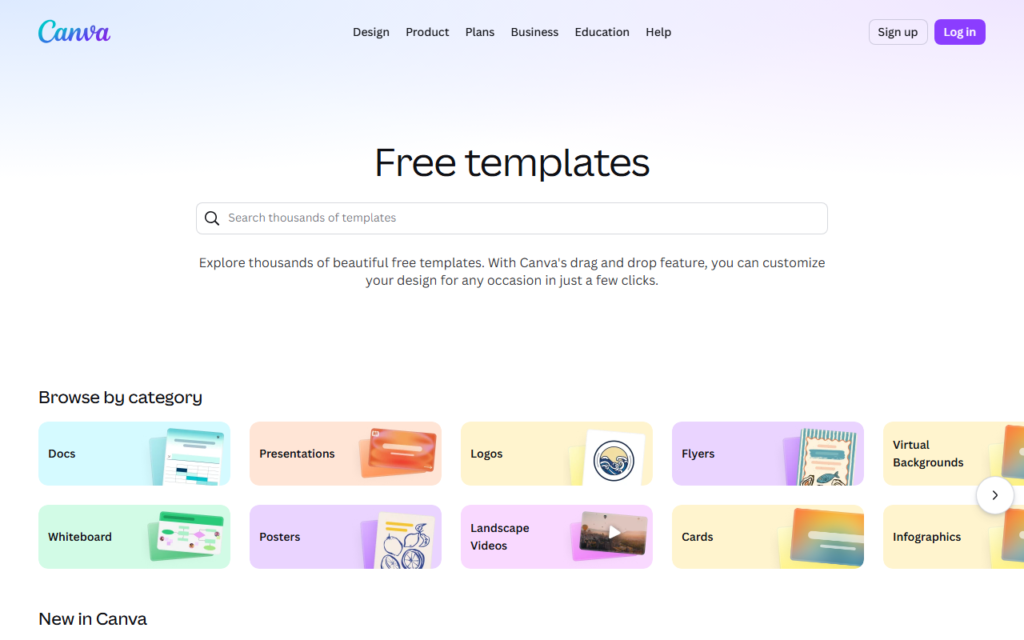
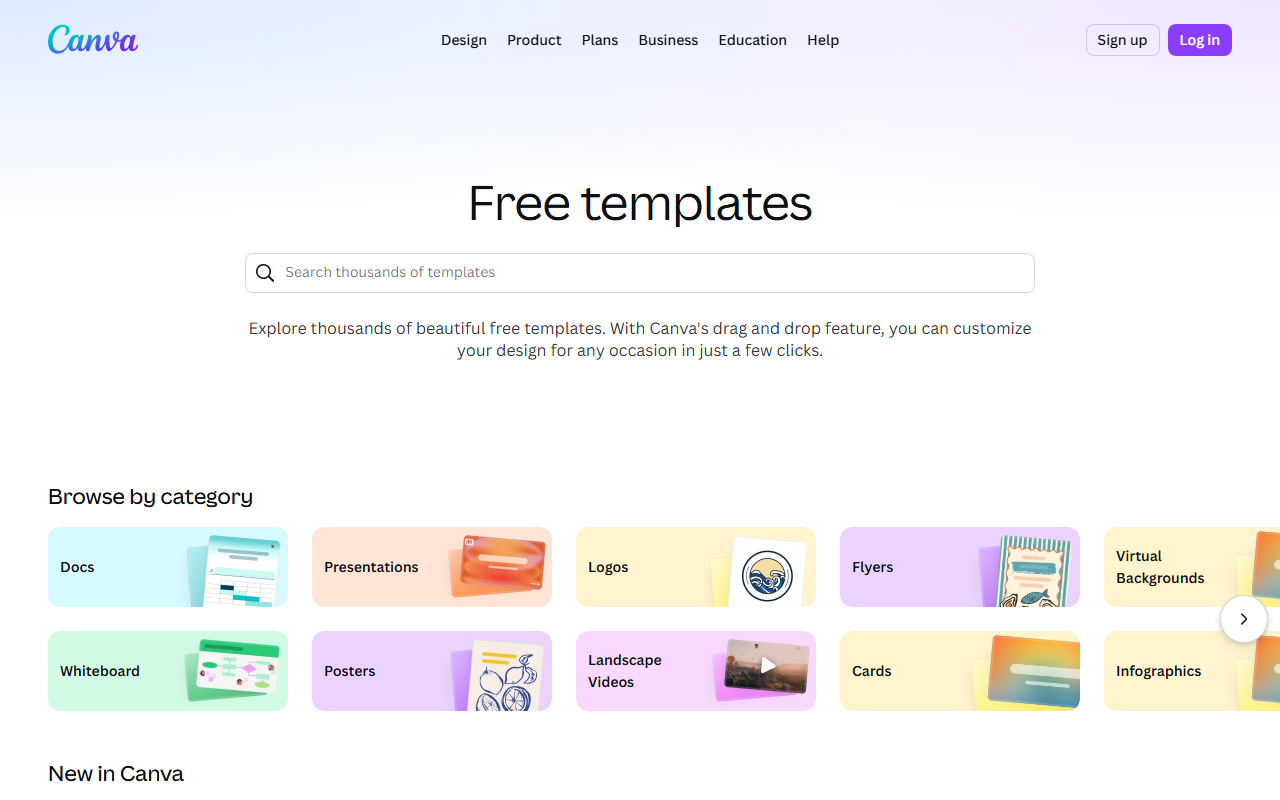
Canva AI Interface
Canva AI vs Midjourney
Canva AI Review 2026: Is it Worth the Price?
Canva AI
Production design suite- Templates to finished assets
- Brand-kit workflow
- Fast social content output
Midjourney
Image aesthetics engine- High-end image style
- Prompt-driven exploration
- Great concept art range
Choose the tool that gets you closest to a publishable visual asset with the least cleanup.
What is Canva AI?
At its core, Canva AI is the magic wand that sits on top of the already robust Canva platform. Think of it as having a junior designer, a copywriter, and a video editor living inside your browser. It leverages generative AI to create images, write text, edit videos, and even generate full presentations from a single prompt.
The key components are Magic Studio, which bundles features like Magic Write (AI copy), Magic Design (AI templates from a prompt), and Magic Edit (in-painting and object replacement). It’s a direct competitor to tools like Adobe Firefly and DALL-E 3, but wrapped in a user-friendly interface that doesn’t require a design degree.
My Brutally Honest Testing Notes
What Actually Worked (And Impressed Me)
- Magic Studio’s “Dream Lab” (Beta): This is the standout feature. You can generate photorealistic images of products in specific settings. I tested it by generating a “vintage leather journal on a rainy window sill.” The result was shockingly good—better than Midjourney v6 in some lighting scenarios. The prompt adherence is top-tier.
- AI-Powered Video Editing: The “Remove Background” tool for videos is now nearly flawless. I threw a 4K clip of my dog running at me in a messy living room. It removed the background without a single frame of jitter. This alone saves hours of manual rotoscoping in DaVinci Resolve.
- Brand Voice Consistency: If you’re a freelancer or small business owner, this is gold. You can upload your brand guidelines, and the AI will write social media captions, blog intros, and email headers that match your tone. It’s not perfect, but it’s 80% there, which is 80% more than I had before.
What Failed (And Frustrated Me)
- Magic Write for Long-Form Content: It’s great for headlines and bullet points. It’s terrible for a 1,500-word blog post. The output is repetitive and lacks the nuance of a human writer. If you need a full article, stick with Jasper or a human copywriter.
- Image Generation Consistency: The “Dream Lab” is amazing, but it struggles with consistent characters across multiple generations. I tried to create a series of images of the same “friendly robot chef.” Each image looked like a different robot. For branding, this is a dealbreaker.
- UI Clutter: The interface is getting bloated. Finding the specific AI tool you want often involves clicking through three menus. The “Magic Studio” tab is a dumping ground for features, not a curated experience.
Pricing Analysis: Is It Worth the Price?
Canva’s pricing in 2026 is a three-tiered beast: Free, Pro ($12.99/month), and Teams ($14.99/month per person). But the real question is about the Canva AI credits.
Here’s the catch: Even on the Pro plan, you get a limited number of “AI credits” per month. These credits are consumed every time you generate an image, use Magic Write, or edit a video with AI. Once you run out, the tool slows down or you have to buy a credit pack.
Who should buy it?
- Social Media Managers: Yes. The ability to batch-create 50 different variations of an ad in 10 minutes is worth the Pro plan alone.
- Startup Founders: Yes, but only for the first 3 months. Use it to build your initial brand assets, then consider downgrading if you don’t need the AI credits.
- Professional Graphic Designers: No. The AI is a crutch. It cannot replace the precision of Adobe Photoshop or Figma. You will hit the AI credit wall quickly.
- Casual Users: The Free plan is more than enough. You get 50 AI uses per month. Don’t pay for the Pro plan unless you’re making money with the tool.
Hardware Tip: If you are doing heavy video editing in Canva, a fast processor helps. I highly recommend the Logitech MX Master 3S Mouse for precise timeline scrubbing. It’s a game-changer for productivity.
Pros & Cons
Pros
- Incredible Speed: Generates images and edits in seconds.
- Low Learning Curve: Your grandmother could use the AI features after 10 minutes.
- All-in-One Ecosystem: Design, write, edit video, and schedule posts all in one place.
- Excellent Template Library: The AI-generated templates are genuinely useful starting points.
Cons
- Aggressive Credit System: You will run out of credits faster than you think.
- No Real Vector Editing: You cannot edit AI-generated vectors as paths. It’s a pixel-based world.
- Export Limitations: The Pro plan still limits you to certain export formats. Want a high-res PDF for print? You might need to upgrade.
- Data Privacy Concerns: Read the fine print. Canva trains its models on user data unless you opt out in the settings. This is a big red flag for enterprise users.
Final Verdict
Canva AI is a phenomenal tool for speed and accessibility. If you need to create passable marketing materials quickly and you don’t have a design team, it’s a no-brainer. The AI features are genuinely impressive for a browser-based tool.
However, it is not a replacement for professional software. The credit system feels like a money grab, and the lack of precision editing will frustrate pros. My verdict? Subscribe for one month, binge-use the AI credits to build your asset library, and then cancel. It’s a great tool to have in your back pocket, but not a permanent solution for serious design work.
For those who want to dive deeper into the technical side of AI image generation, I recommend checking out this guide on Stable Diffusion to understand the technology behind the magic.
Also, if you are going to use Canva AI for long sessions, invest in a good monitor. The Dell S2722QC 4K Monitor is affordable and color-accurate for design work.
FAQ
Frequently Asked Questions
Is Canva AI free to use?
Frequently Asked Questions
Can I use Canva AI for commercial projects?
Frequently Asked Questions
How does Canva AI compare to Midjourney?
Frequently Asked Questions
Can I use my own images with Canva AI?
Frequently Asked Questions
Does Canva AI support video generation?
Frequently Asked Questions
What happens if I cancel my Pro subscription?
Recommended Gear for This Workflow
