Looking for a broader overview? Check out our comprehensive guide on AI Search & Research 2026: Everything You Need to Know.
| Feature | Google Gemini | Perplexity | You.com |
|---|---|---|---|
| Free Plan | ✓ | ✗ | ✗ |
| Pro Price | $19.99/mo | — | — |
| Elite Price | $30/mo | — | — |
| API Access | ✓ | ✗ | ✗ |
| Rating | 4.6/5 | 4.5/5 | 4.5/5 |
| Get Started | Visit Google Gemini | Visit Perplexity | Visit You.com |
Introduction: Why “Best” is a Moving Target in 2026
Let’s be real for a second: 2026 is not the year of the search engine. It’s the year of the answer engine. If you are still using a traditional search bar to get a list of blue links, you are leaving productivity on the table. I’ve been testing these tools daily for the last three months—not just running a few queries, but actually trying to break them with complex research, code debugging, and travel planning.
The landscape has shifted. Google Gemini is no longer just a chatbot; it’s a deep integration into the Google ecosystem. Perplexity has become the de-facto research assistant for power users. And You.com has quietly pivoted into a privacy-focused, customizable powerhouse. But none of them are perfect.
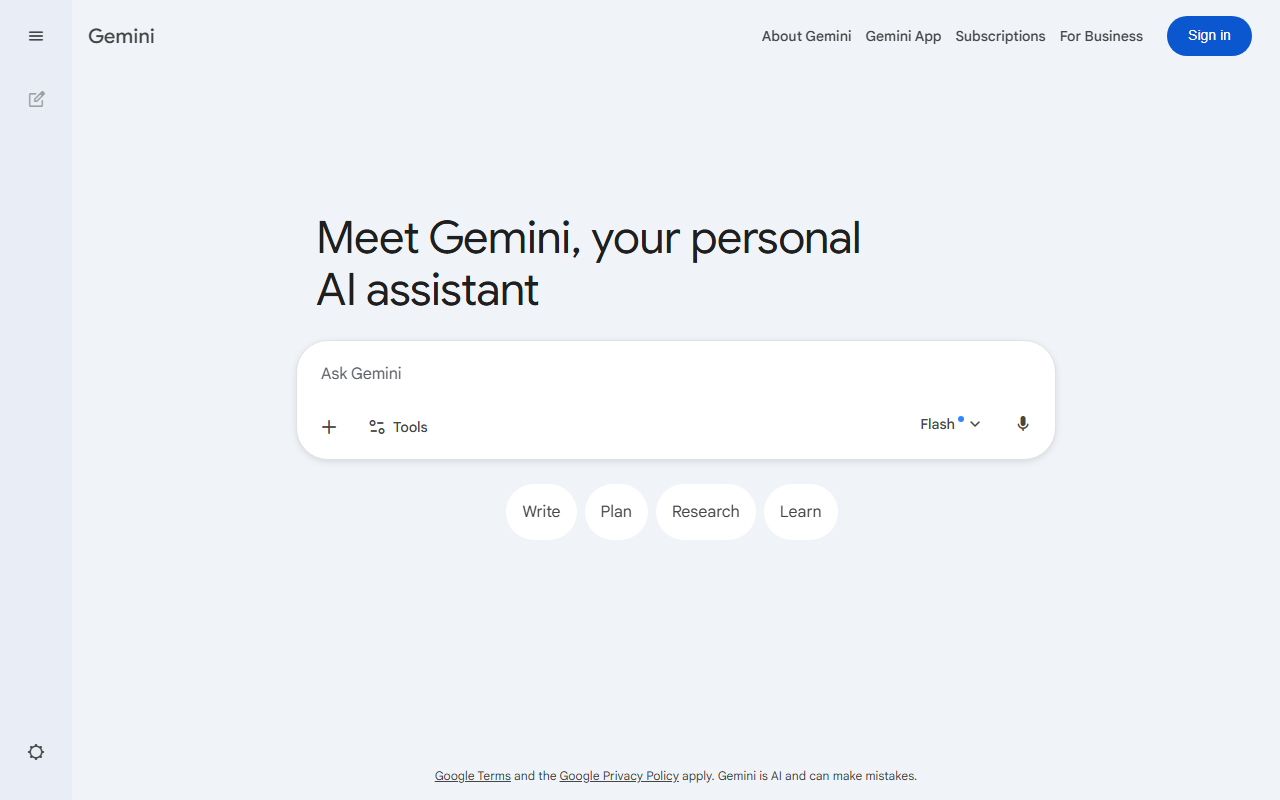
Google Gemini Interface
Google Gemini vs Perplexity
2026’s Best Ai Search Engine
Google Gemini
Broad AI assistant- Workspace-aware drafting
- Multimodal prompts
- Good for broad exploration
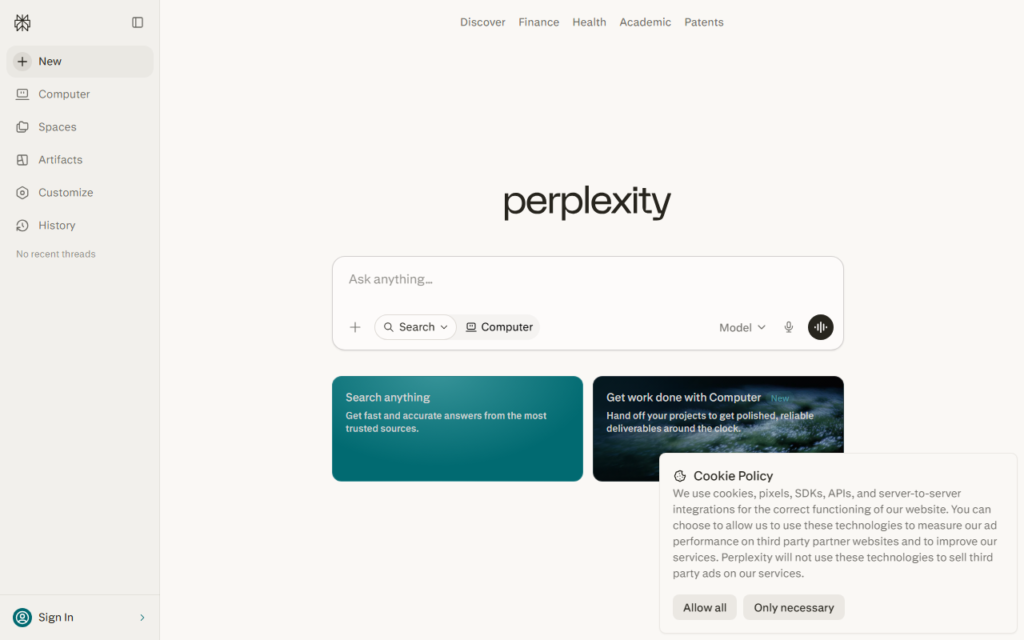
Perplexity
Answer engine- Citation-first answers
- Fast source scanning
- Strong research summaries
Choose based on whether you need trusted sources, a broad assistant, or the fastest daily research loop.
This isn’t a fluff piece. I’m going to tell you exactly where each tool shines, where it falls flat on its face, and which one you should actually spend your money on. Let’s burn the hype and get to the results.
Google Gemini: The Ecosystem Emperor
Unique Selling Proposition: Contextual awareness across Google Workspace (Gmail, Docs, Drive, Calendar). This is the only search engine that knows what you were working on at 10 AM and can summarize that email thread from two weeks ago without you having to manually find it.
Ideal Use Case: The professional knowledge worker who lives in Gmail and Google Docs. If you are a project manager, a marketer, or a sales rep, Gemini is the glue that holds your workflow together. It’s less about searching the open web and more about searching your world.
Pricing: Free tier (Google One AI Premium included). Paid tier is $19.99/month for the 2TB storage plan, which includes Gemini Advanced. The free tier is usable but throttled heavily on complex reasoning. The paid tier is where the magic happens.
My Experience: I set up a test where I asked Gemini to “Find the budget spreadsheet Sarah sent me in March and compare the Q2 projections to the actuals.” It did it. It pulled the file from Drive, read the numbers, and generated a summary. That is insane utility. However, when I asked it for a deep dive on a niche medical research paper (something about mRNA lipid nanoparticles), it hallucinated a citation. It felt confident, but it was wrong. The web search component is still weaker than Perplexity.
Testing Notes: The mobile app is significantly faster than the web interface. The “Gems” feature (custom AI agents) is a game-changer, but the setup process is clunky. If you don’t have a heavy Google footprint, this tool loses 50% of its value immediately.
Verdict: Buy this if you are a Google ecosystem addict. Skip it if you value privacy or need raw, real-time data from the open web.
- Free 1M-token context window
- Integrated with Google Docs & Gmail
- Real-time Google Search grounding
- Strong coding with Jules
- Weaker creative writing vs GPT-4
- Less plugin ecosystem
- Requires Google account

Perplexity AI: The Research Librarian (Who Doesn’t Sleep)
Unique Selling Proposition: Source transparency. Perplexity is the only major player that consistently shows you where it got the information, right next to the answer. It’s like having a research assistant who writes a proper bibliography every single time.
Ideal Use Case: Developers, academics, journalists, and anyone who needs to verify facts. If you are writing a report or debugging a library, you need citations. Perplexity delivers this better than any other tool on the market.
Pricing: Free tier (limited Pro searches). Pro tier is $20/month. The Pro tier unlocks unlimited file uploads and higher usage limits. The free tier is actually quite generous for casual use, but you will hit the cap if you are a power user.
My Experience: I used Perplexity to research a technical implementation of a React hook. It pulled from the official React docs, a few high-quality Stack Overflow threads, and a blog post from a well-known developer. The answer was concise, accurate, and I could click the citation to double-check. This is the gold standard. However, the “Collections” feature (saving searches) is a UX nightmare. It’s buried in the UI and feels like an afterthought. Also, the voice mode is robotic and grating.
Testing Notes: The “Focus” feature (choosing between Web, Academic, or Writing) is excellent. The Academic focus actually pulls from Google Scholar and peer-reviewed journals. The Writing focus is surprisingly good for drafting emails. The biggest downside? The search results can feel “cold.” It lacks the conversational warmth of Gemini.
Verdict: Buy this if you care about accuracy and citations. This is the tool for work. Skip it if you want a conversational buddy or deep ecosystem integration.
You.com: The Customizable Contrarian
Unique Selling Proposition: Privacy-first architecture combined with a “Custom AI” builder that lets you train the search engine on specific domains or documents. It’s the only one that lets you say, “Only search my Notion pages and this specific GitHub repo.”
Ideal Use Case: Solopreneurs, indie hackers, and privacy-conscious users. If you are building a knowledge base for a specific project, You.com is the most flexible option. It also has a “No Ads” policy which feels refreshing in 2026.
Pricing: Free tier (limited). Pro tier is $14.99/month (cheaper than the competition). There is also a “Team” plan for $29.99/month. The pricing is aggressive, and the value for money is the best in this roundup.
My Experience: I created a custom AI agent for a client project that required searching only their internal documentation. The setup took about 15 minutes. The results were surprisingly good—better than a generic RAG setup I had built myself. The UI is clean, fast, and minimal. However, the general web search quality is noticeably lower than Perplexity. If you ask a broad question like “What happened in AI this week?”, You.com gives you a summary that feels like a summary of a summary. It lacks depth.
Testing Notes: The “Apps” tab (integrating with Spotify, Twitter, etc.) is interesting but feels gimmicky. I never used it after the first week. The real value is in the custom AI agents. The mobile app is decent but not as polished as Gemini.
Verdict: Buy this if you need a private, customizable search engine for a specific project. Skip it if you want the best general-purpose web search. It’s a niche tool that does its niche very well.
Buying Guide: How to Choose the Right AI Search Engine in 2026
Stop looking for the “best” tool. Start looking for the tool that fits your workflow. Here is how to decide based on your primary pain point.
1. You Live in Google’s World (Gmail, Docs, Calendar)
Choose: Google Gemini. The integration is unbeatable. No other tool can read your emails and summarize your calendar events. If you are a manager or a salesperson, this is the only choice. Pair it with a good ergonomic keyboard to speed up your workflow even further.
2. You Need Verified Facts (Research, Development, Writing)
Choose: Perplexity AI. The citation system is non-negotiable for serious work. If you are a developer, you need to know where the code snippet came from. If you are a journalist, you need to verify the source. Perplexity is the only tool that makes this easy.
3. You Value Privacy and Customization
Choose: You.com. If you don’t want your data feeding a massive ad engine, You.com is the ethical choice. The custom AI agents are perfect for niche projects. Consider upgrading your home office monitor to handle multiple AI agent windows simultaneously.
4. The “I Want It All” Trap
Don’t try to use one tool for everything. I run Perplexity for research, Gemini for personal organization, and You.com for a specific client project. They are not mutually exclusive. The best setup is a stack, not a single tool.
FAQ
Frequently Asked Questions
Which AI search engine is the most accurate for technical questions?
Frequently Asked Questions
Is Google Gemini worth the $20/month price tag?
Frequently Asked Questions
Is You.com actually private?
Frequently Asked Questions
Can I use these tools for free?
Frequently Asked Questions
Which one is best for writing long-form content?
Recommended Gear for This Workflow
