Looking for a broader overview? Check out our comprehensive guide on The Ultimate Guide to AI Writing & Copywriting in 2026.
You’ve Seen the Hype. But Does Copy.ai Actually Deliver in 2026?
Let’s be real for a second: the AI writing tool market is a cesspool of hype. Every week, a new “ChatGPT killer” drops, promising to write your emails, blog posts, and ad copy while you sip margaritas on a beach. Most of them are just wrappers around the same underlying large language models (LLMs).
I’ve been testing Copy.ai on and off since its beta days. I’ve watched it evolve from a basic “generate a blog intro” bot into a full-blown workflow automation suite. I went into this 2026 review with a skeptical eye, a stopwatch, and a specific goal: to see if it actually saves a professional writer time, or if it’s just another distraction.
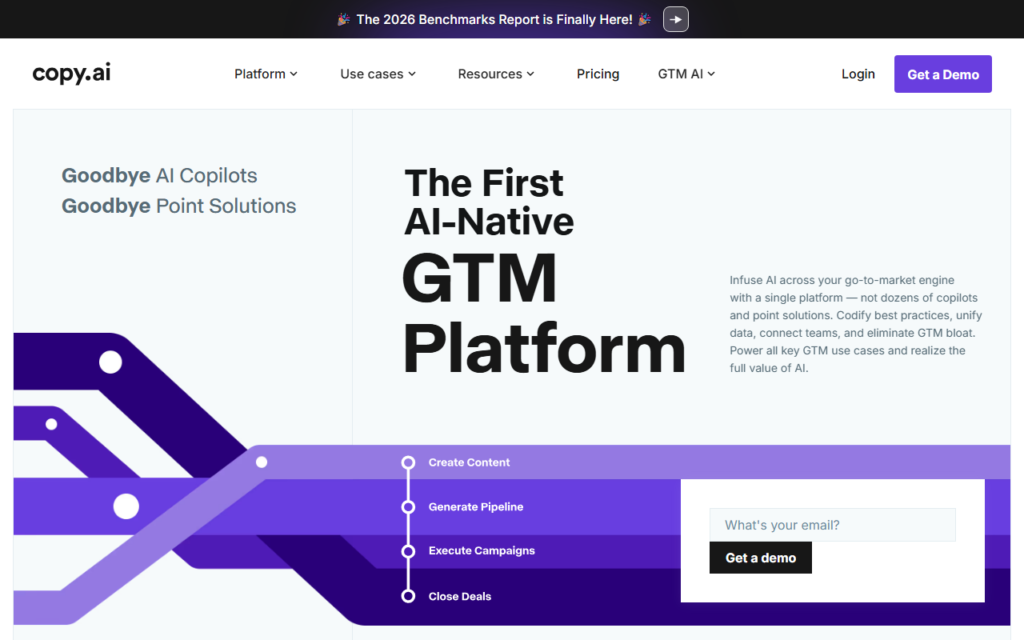
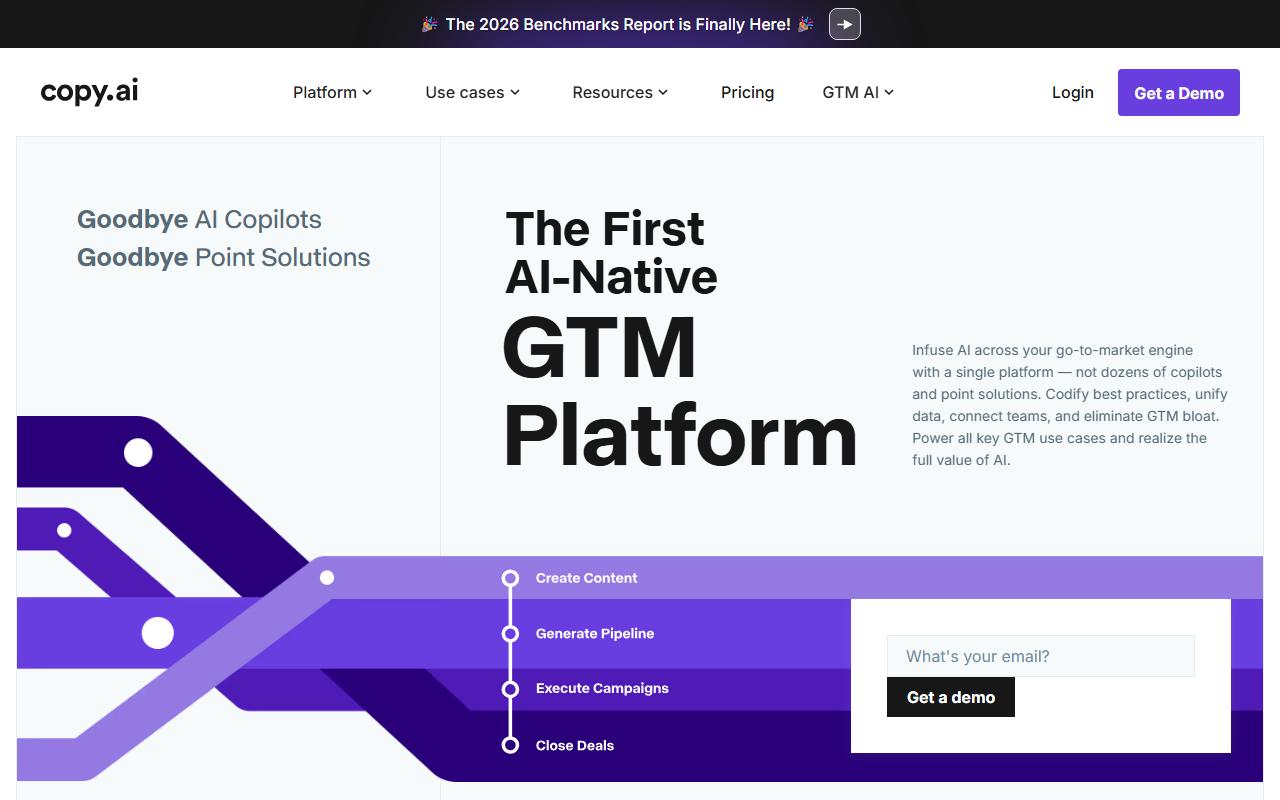
Copy.ai Interface
Copy.ai vs Descript
Copy.ai Review 2026: Is it Worth the Price?
Copy.ai
Marketing copy engine- Campaign workflows
- Fast first drafts
- Useful GTM templates
Descript
Content workflow- Draft quality
- Editing control
- Publishing speed
Choose based on whether you need new copy, cleaner copy, or a repeatable publishing workflow.
I run a small SaaS blog and a freelance copywriting side hustle. My time is money. If a tool costs me more time in editing than it saves in generation, it’s dead to me. Here is my brutally honest, hands-on verdict on Copy.ai in 2026.
What Exactly is Copy.ai in 2026?
If you remember Copy.ai from 2023, forget what you know. The company has pivoted hard. They are no longer just a “copywriting tool.” They are positioning themselves as a Go-to-Market (GTM) AI platform.
Essentially, Copy.ai is now a suite of agents that handle repetitive writing tasks across your sales and marketing stack. Instead of just writing a single email, you can now tell it to “Find leads in the CRM who haven’t been contacted in 30 days, write a personalized re-engagement email, and schedule it.”
It still does the basic stuff (blog posts, social media, ads), but the core value proposition in 2026 is the Workflow Automation. Think of it as Zapier for text, but with a brain.
For a full feature breakdown, you can check their official site: Copy.ai Official Site.
My Testing Notes: The Good, The Bad, and The Ugly
I spent two weeks using Copy.ai daily for three distinct projects: a 1,500-word SEO blog post, a cold email outreach sequence, and a LinkedIn content calendar. Here is exactly what happened.
What Worked (The Good)
- The Workflow Engine is Legit: This is the killer feature. I set up a workflow to scrape a competitor’s blog URL, extract the key arguments, and rewrite them into a counter-argument blog post. It took 4 minutes. Doing that manually would have taken an hour. This is where the tool shines.
- Brand Voice Consistency: Copy.ai now allows you to upload a style guide or analyze your existing content to create a “Brand Voice.” I tested this on my SaaS blog. The output actually sounded like me—snarky, direct, and technical—without the usual robotic fluff.
- Infobase (Knowledge Base): You can upload PDFs, Notion docs, or website links. The AI reads them and uses them as context. This killed the “hallucination” problem for technical specs. I fed it my product documentation, and it wrote a feature update email without inventing fake features.
What Failed (The Bad & The Ugly)
- The Chat Interface is Laggy: The new Workflow builder is great, but the standard chat interface (the one you use for quick tasks) has a noticeable 3-5 second delay on longer outputs. Compared to the speed of ChatGPT or Claude, it feels sluggish.
- Long-Form Still Needs Heavy Editing: I tried to generate a 2,000-word pillar post. It got the structure right, but the prose was repetitive. I had to cut about 40% of the fluff. If you are a pure writer, this is not a magic wand. It is a drafting assistant.
- Pricing Surprise: The “Advanced” plan features (like the Workflows and Infobase) are locked behind the pricier tiers. The free plan is basically a demo. You will feel the paywall very quickly.
Testing Verdict: If you are a marketer or salesperson who hates writing but loves automation, Copy.ai is a time machine. If you are a novelist or deep-content writer, you will be frustrated.
Pricing Analysis: Is It Worth the Money?
Let’s talk numbers. As of early 2026, Copy.ai has streamlined its pricing into three tiers (prices are approximate as they change frequently):
- Free: 2,000 words, limited features. Good for a test drive.
- Pro ($49/mo): Unlimited words, 5 Workflows, 1 Brand Voice. This is the entry point for solo freelancers.
- Team ($249/mo): Unlimited Workflows, multiple Brand Voices, priority support.
The Math: If you are paying a freelance writer $100 per blog post, and Copy.ai helps you write 10 posts per month, the Pro plan pays for itself 20x over. However, you need to factor in the editing time.
If you are a solo operator who just needs social media captions, this is overkill. You are better off with a cheaper tool like Jasper or just using the ChatGPT Plus subscription for $20/mo.
Is it worth it? Yes, for teams. Maybe for soloists. The Workflow automation is unique and powerful, but the chat lag and editing overhead make the value proposition weaker for the individual writer.
Copy.ai Pros & Cons (The Honest List)
Pros
- Best-in-class Workflows: No other tool automates multi-step writing tasks this well.
- Excellent Infobase: Reduces hallucinations significantly if you feed it good data.
- Brand Voice: Actually works better than most competitors for maintaining tone.
- Clean UI: The dashboard is intuitive and easy to navigate.
Cons
- Slow Chat: Latency is a real pain when you are trying to iterate quickly.
- Expensive for Individuals: The $49 tier is steep compared to ChatGPT or Claude.
- Content is Generic: Long-form output lacks the depth and nuance of a human expert.
- Learning Curve: The Workflow builder is powerful, but takes a few hours to master.
Final Verdict: Should You Buy Copy.ai in 2026?
Here is the bottom line.
Buy Copy.ai if: You are a marketing manager, sales team, or agency owner who needs to produce a high volume of personalized content at scale. The Workflow automation is a genuine productivity hack that will save you hours per week. It turns a 3-hour task into a 30-minute review session.
Skip Copy.ai if: You are a freelance writer, novelist, or blogger who cares deeply about the nuance of prose. You will spend more time editing the AI output than you would writing it yourself. Stick to a standard LLM interface or a dedicated writing tool.
If you decide to pull the trigger, I recommend starting with the Pro plan and immediately diving into the Workflow templates. Don’t just use the chat. That’s missing the point.
To help you optimize your workflow, I highly recommend getting a good mechanical keyboard. Typing corrections and prompts for hours on a laptop keyboard is painful. Check out the Keychron K8 Pro for a solid typing experience. Also, if you are managing multiple AI outputs, a good second monitor is a lifesaver. The Dell UltraSharp 27” 4K Monitor is an excellent choice for color accuracy and screen real estate.
My Score: 7.5/10. Powerful, but not for everyone. Use it for its automation, not for its prose.
Note: This review contains affiliate links. If you purchase through these links, I may earn a commission at no extra cost to you. The opinions are my own.
FAQ
Frequently Asked Questions
Is Copy.ai better than ChatGPT for copywriting?
Frequently Asked Questions
Can Copy.ai write a book?
Frequently Asked Questions
Does Copy.ai have a free trial?
Frequently Asked Questions
How does Copy.ai handle SEO?
Frequently Asked Questions
Is my data safe with Copy.ai?
Frequently Asked Questions
What is the best use case for Copy.ai in 2026?
Recommended Gear for This Workflow
