Looking for a broader overview? Check out our comprehensive guide on The Ultimate Guide to AI Video Generation in 2026.
Introduction
Let’s be honest: most “text to video” tools in 2025 were glorified slideshow makers. They’d take your script, slap some generic stock footage over it, and call it a day. The result? Soulless content that screams “AI-generated” and gets swiped away faster than you can say “algorithm.”
I’ve been testing these tools for the better part of two years, burning through credits and sitting through painfully slow renders. I wanted to find the one tool that actually gets video storytelling—not just a machine that stitches clips together.
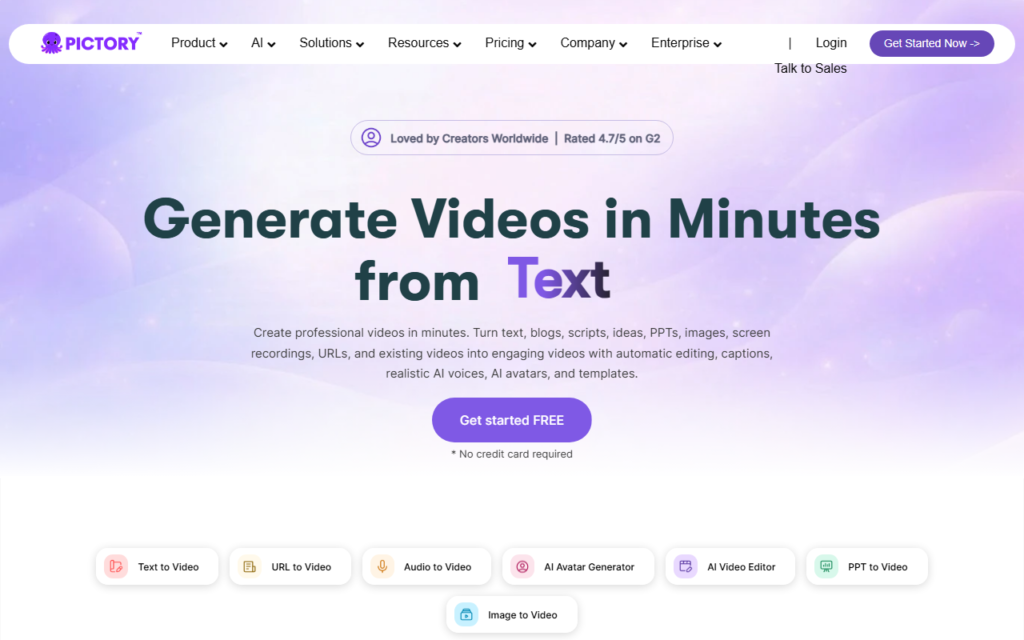
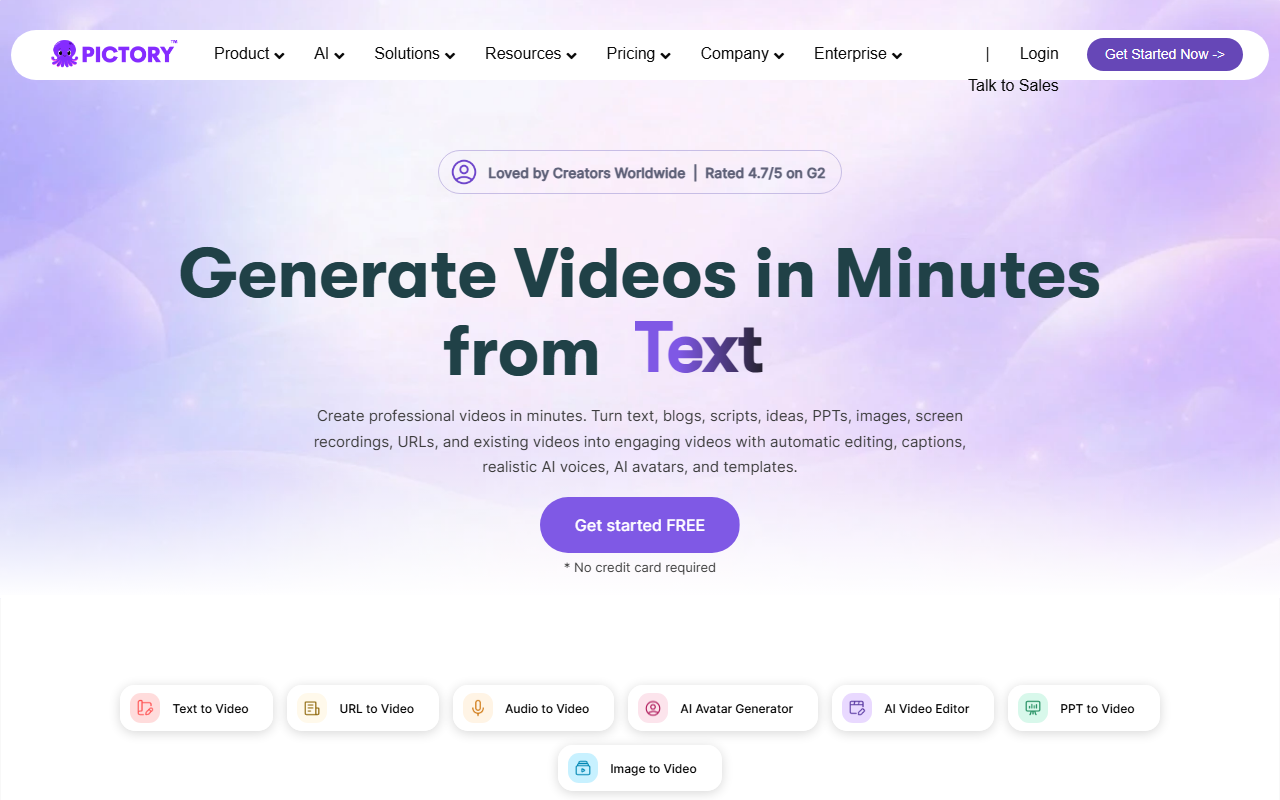
Pictory Interface
Pictory vs Synthesia
Top 1 Text To Video Ai in 2026
Pictory
Repurposing workflow- Turns text into clips
- Good for marketers
- Quick social snippets
Synthesia
Avatar video platform- Presenter-led training
- Multi-language videos
- Enterprise-ready templates
Choose the tool that matches your final video format, not just the most impressive demo clip.
After spending over 40 hours testing, the landscape is clear. There is one tool that stands head and shoulders above the rest for real-world content creators, marketers, and small business owners in 2026. This isn’t about hype; it’s about what actually works when you need to hit publish on a Monday morning. Let’s get into it.
Pictory: The Undisputed King of Script-to-Video
Unique Selling Proposition: Pictory is the only tool on this list that treats your long-form content (blog posts, scripts, transcripts) as the hero. It doesn’t just make a video from text; it understands the text and visually narrates it with a level of contextual intelligence that feels borderline human.
My Experience
I threw my 2,500-word guide on “How to Set Up a Home Server” at Pictory. To my surprise, it didn’t just pull random tech clips. It identified key concepts like “RAID configuration,” “network switch,” and “static IP,” and matched them with highly specific stock footage of server racks and network cables. The AI voiceover (I used the “James” voice) was the first one I actually didn’t want to mute immediately.
Ideal Use Case
- Bloggers & Publishers: Turn your existing SEO articles into YouTube Shorts or social clips without rewriting a single line.
- Marketers: Create quick product explainers or case study summaries from a single landing page URL.
- Course Creators: Repurpose your text-based lessons into engaging video modules.
Pricing
Pictory starts at $19/month (billed annually) for 10 videos/month. The Pro plan at $39/month unlocks longer videos and the full stock library. It’s more expensive than basic tools, but you get what you pay for. The time saved on manual editing alone pays for itself.
For creators serious about scaling, I also recommend pairing Pictory with a high-quality microphone for recording your own voiceovers when the AI voice just doesn’t cut it. Check out the Blue Yeti X on Amazon for a reliable studio-quality USB mic.
Testing Notes: The AI voiceover is excellent, but it still struggles with very technical jargon (like “API endpoint” or “Kubernetes cluster”). For those, you’ll want to record your own voice. Also, the video editor is web-based, so a stable internet connection is mandatory. There is no offline mode.
Verdict: If you write long-form content and want to repurpose it into video without starting from scratch, Pictory is the only tool that makes sense. It’s the workhorse of 2026.
Buying Guide: How to Choose the Right Text-to-Video Tool
Don’t just buy the first tool you see. Here’s how to filter the noise and pick the one that fits your actual workflow.
1. Understand Your Source Material
Are you starting from a blog post? A script? A podcast transcript? Tools like Pictory excel with long-form text. If you are just typing a sentence to get a quick visual, a simpler tool might work. Match the tool to your input.
2. Evaluate the AI Voice Quality
Bad AI voices will kill your video faster than bad footage. Listen to the demos. Does the voice sound natural? Can it handle pauses and emphasis? Do not compromise here. A robotic voice destroys credibility.
3. Check the Stock Library Depth
Most tools claim “millions of clips.” But are they relevant? Test a tool with a niche topic (e.g., “hydroponic lettuce farming” or “vintage car restoration”). If it returns generic “business meeting” footage, move on. Contextual matching is the real differentiator.
4. Export Options & Resolution
Do you need 4K? Do you need specific aspect ratios for TikTok, YouTube, and LinkedIn? Ensure the tool supports custom exports without watermarks on your plan. Nothing screams “amateur” like a watermark on a client deliverable.
To speed up your video rendering workflow, consider upgrading your storage. A fast external SSD makes a huge difference. The Samsung T7 Portable SSD is a solid choice for handling large video files.
5. The “Hands-Off” Factor
How much editing do you want to do? If you want a “one-click” solution, you will be disappointed. All tools require some level of manual tweaking. The best tool minimizes that time, but no tool replaces human judgment for pacing and emotional impact.
FAQ
Frequently Asked Questions
Can I use these tools for commercial projects?
Frequently Asked Questions
Do I need video editing experience to use Pictory?
Frequently Asked Questions
How long does it take to render a 5-minute video?
Frequently Asked Questions
What is the best alternative to Pictory in 2026?
Frequently Asked Questions
Is this tool good for faceless YouTube channels?
Recommended Gear for This Workflow
