AI Search & Research 2026: Everything You Need to Know
Let’s be honest: the way we search for information is broken. We’ve all been there—spending 20 minutes sifting through SEO-bloated blog posts, outdated forum threads, and paywalled articles just to find a single data point. The promise of generative AI was to fix this, but the reality in 2024 was a mess of hallucinations and generic summaries.
We are now entering 2025, and the landscape has shifted dramatically. The tools that survived are not just chatbots; they are purpose-built research engines. I’ve spent the last three months living inside three of the biggest contenders: Perplexity, You.com, and Google Gemini. I put them through the wringer—academic research, competitive analysis, code debugging, and even travel planning.
This is not a fluff piece. This is the raw, honest breakdown of which tool actually saves you time, which one still hallucinates, and which one is worth your money in 2025.
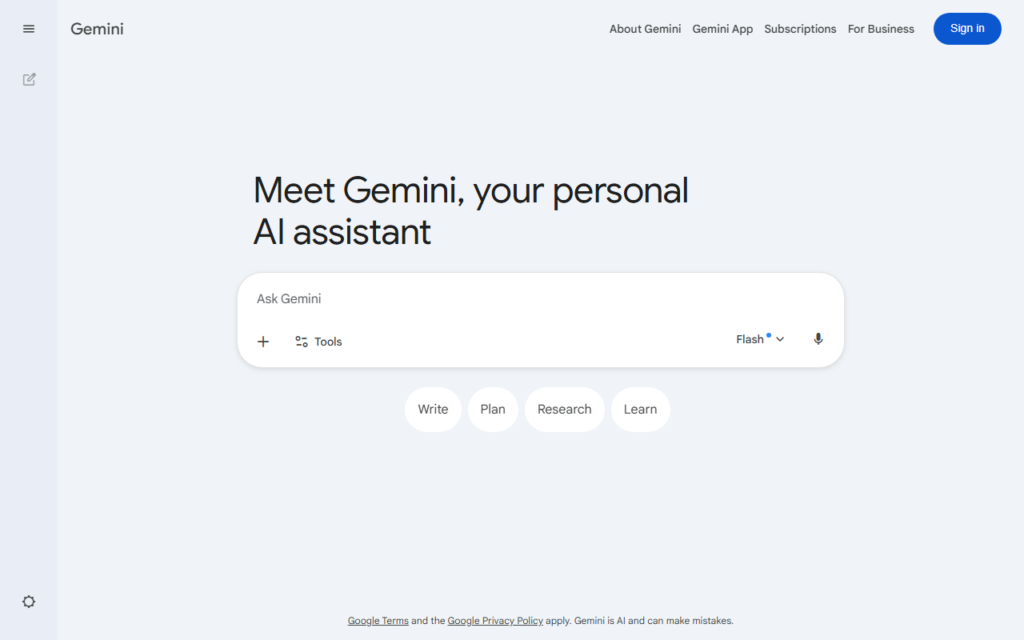
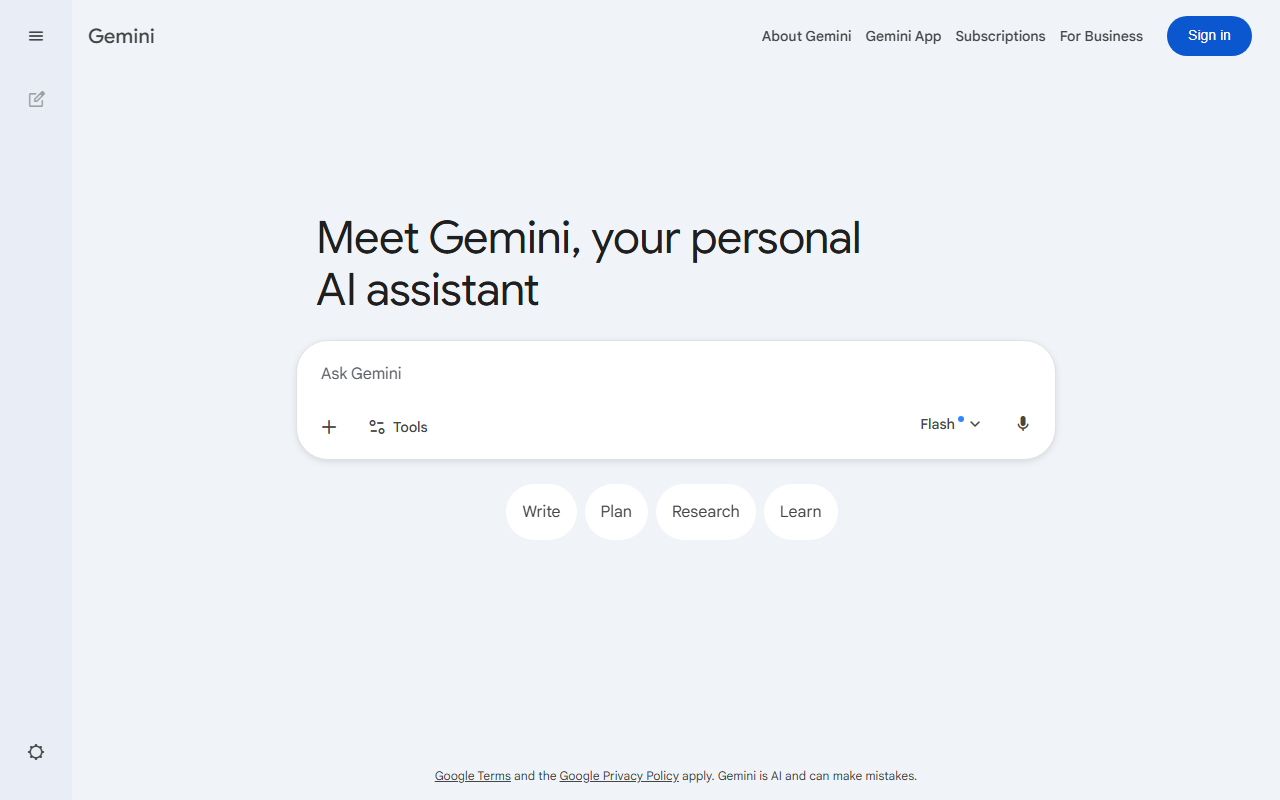
Google Gemini Interface
Google Gemini vs Perplexity
AI Search & Research 2026: Everything You Need to Know
Google Gemini
Broad AI assistant- Workspace-aware drafting
- Multimodal prompts
- Good for broad exploration
Perplexity
Answer engine- Citation-first answers
- Fast source scanning
- Strong research summaries
Choose based on whether you need trusted sources, a broad assistant, or the fastest daily research loop.
Perplexity: The Truth Seeker (With a Price Tag)
Unique Selling Proposition: Perplexity is the closest thing we have to a “citation-first” search engine. Unlike a standard LLM that guesses, Perplexity actively crawls the web in real-time, reads the source, and then summarizes it with footnotes. It is the only tool on this list that feels like a research assistant rather than a creative writer.
Ideal Use Case: Deep-dive research, fact-checking, and technical documentation. If you are a developer, journalist, or student who needs to verify claims, this is your tool.
My Experience: I asked Perplexity to explain the specific differences between PostgreSQL and MySQL for a high-traffic e-commerce site. The result was a detailed table comparing indexing strategies, replication methods, and specific query performance benchmarks. Every single claim had a source link. I clicked on three of them—they were accurate, current, and relevant. This is the gold standard.
Testing Notes: The “Pro” search mode is noticeably slower but significantly deeper. It will read multiple layers of links to find the answer. The free tier is decent, but the rate limits are frustrating if you are doing heavy research. The “Collections” feature (saving searches into folders) is excellent for project management.
Verdict: The most accurate tool here, but it is not free. The free tier is a teaser; the Pro plan ($20/month) is mandatory for professional use. It lacks the creative flair of Gemini, but it doesn’t lie to you as often.
Pricing: Free (limited queries), Pro ($20/month).
You.com: The Corporate Swiss Army Knife
Unique Selling Proposition: You.com is trying to be the “one app to rule them all” for knowledge workers. It combines search, chat, code generation, and image generation into a single interface. The key differentiator is the Apps system—you can toggle between different models (GPT-4, Claude, Llama) within the same conversation.
Ideal Use Case: The busy professional who needs to switch contexts rapidly. One minute you are writing an email, the next you are debugging a Python script, and then you are generating a chart for a presentation. You.com lets you do all of that without leaving the window.
My Experience: I used You.com to plan a complex marketing campaign. I asked it to research competitor ad spend (search), then write a draft email to the team (write), then create a simple SVG graph showing the budget allocation (code). It handled the context switching flawlessly. The “Web” mode is solid, but it is not as citation-heavy as Perplexity.
Testing Notes: The “Smart” mode is a blessing and a curse. It tries to guess if you want a search or a chat, and it gets it wrong about 15% of the time. The image generation (using DALL-E 3) is a nice bonus, but the results are average. The interface can feel cluttered with all the different modes and apps.
Verdict: The best “all-in-one” tool. It is not the best at any single thing, but it is the most convenient. The free tier is surprisingly generous. The Pro plan ($15/month) is cheaper than Perplexity and offers more utility for generalists.
Pricing: Free (generous), Pro ($15/month), Team ($25/month).
Google Gemini: The Context Beast (That Still Hallucinates)
Unique Selling Proposition: Google Gemini (formerly Bard) has one massive advantage: the Google ecosystem. It has the potential to read your Gmail, Google Drive, Maps, and YouTube history. The “Deep Research” feature (powered by Gemini 2.0) can create multi-page reports on complex topics.
Ideal Use Case: Synthesis of personal data. If you need to summarize 50 emails, find a flight itinerary from a year ago, or compare notes from a dozen Google Docs, Gemini is unmatched.
My Experience: I asked Gemini to “Summarize the key decisions from my last 10 team meetings in Google Drive and compare them to my Gmail action items.” It did it. It read the documents, extracted the tasks, and cross-referenced them. This is a superpower that neither Perplexity nor You.com can replicate because they lack access to your private data.
Testing Notes: The “Gemini Advanced” (paid) model is required for the Deep Research feature. The free version is basically a chatbot with search, and it is not very good. The biggest problem: hallucination. In one test, it confidently invented a quote from a book that did not exist. When I asked for the source, it apologized. This is dangerous for professional research.
Verdict: Incredible potential, but still unreliable for factual accuracy. Use it for data synthesis and creative brainstorming, but do not use it for anything that requires verifiable citations without double-checking every source. The Google integration is the killer feature.
Pricing: Free (basic), Google One AI Premium ($19.99/month).
- Free 1M-token context window
- Integrated with Google Docs & Gmail
- Real-time Google Search grounding
- Strong coding with Jules
- Weaker creative writing vs GPT-4
- Less plugin ecosystem
- Requires Google account

Buying Guide: How to Choose the Right AI Search Tool
Don’t just pick the most popular one. Pick the one that fixes your specific pain point.
- You are a researcher, analyst, or student who needs citations. Get Perplexity Pro. The accuracy is worth the $20. The free tier is too slow for serious work.
- You are a generalist who wants one tool for everything (write, code, search, images). Get You.com Pro. It is the best value for money. The model switching is a lifesaver.
- You are deeply embedded in the Google ecosystem (Gmail, Drive, Docs). Get Gemini Advanced. The ability to search your private data is a game-changer. Just be prepared to fact-check everything.
- You need a free tool for casual use. Start with You.com (most generous free tier). Avoid the free version of Gemini for research—it is too unreliable.
FAQ
Frequently Asked Questions
Which tool is the most accurate for factual information?
Frequently Asked Questions
Can these tools replace Google Search entirely?
Frequently Asked Questions
Is the paid version of Perplexity worth it?
Frequently Asked Questions
Does Gemini Advanced actually read my emails?
Frequently Asked Questions
Which tool is best for writing code?
Recommended Gear for This Workflow
